Printer Print Test — Free, Right From Your Browser
Run a printer print test to check your printer's color accuracy, black & white output, and overall print quality in seconds. No download, no software, no sign-up — just open, adjust, and print.
General Printer Print Test
A complete, one-page printer print test covering color bars, grayscale steps, text sharpness, and a solid black block — everything you need for a quick overall check.
Before you print: open your browser's print dialog (Ctrl/Cmd+P), then under "More settings" enable Background graphics. Without it, the color and gray bars below will print blank.
Choose the Right Test Page
Color Test Page
CMYK and RGB color bars plus a swatch grid to check for accurate, even color output.
OpenBlack & White Test Page
Grayscale steps, solid black fill, and text samples for mono and laser printers.
OpenSave as PDF
Every test page can be saved as a PDF straight from your browser's print dialog — no separate download needed.
OpenPrint Cost Calculator
Estimate how much misprints and wasted pages are costing your office each year.
OpenPopular Test Pages
Color Printer Print Test
CMYK/RGB bars, a swatch grid, and a skin-tone gradient for checking color accuracy.
Black & White Printer Print Test
11-step grayscale gradient, text sharpness samples, and a solid black fill.
Common Printer Problems This Catches
Faded or Streaky Print
Thin white lines through color bars usually mean low ink or a clogged nozzle.
Diagnose the cause →Missing or Wrong Colors
A cartridge that's empty or seated wrong shows up as a missing color bar entirely.
Diagnose colors →Banding or Streaking Lines
Regular horizontal stripes across a solid fill usually mean the print head needs cleaning.
Diagnose the cause →Blurry or Misaligned Text
Feathered small text points to alignment issues or a dirty print head.
Diagnose the cause →Solid Black Prints Gray
The most common sign of a low or unevenly distributed toner cartridge.
Diagnose the cause →Colors Look Tinted or Off
A pink, blue, or green cast in what should be plain gray means your color balance is off.
Read the color calibration guide →Paper Jams Mid-Print
Constant jams usually trace back to worn rollers, humidity, or an overfilled tray.
Fix paper jams →Printer Shows Offline
Almost always a software or network hiccup, not an actual hardware problem.
Get it back online →Built to Be the Fastest Way to Check a Printer
Completely Free
Every test page is free to use, with no limits or paywalls.
No Sign-Up
No account, no email, no personal information required.
Print or Save as PDF
Use your browser's own print dialog — print directly or save a PDF copy.
Sharp at Any Resolution
Test sheets render live, so output is crisp at your printer's full DPI — not a scanned image.
Works With Any Printer
Runs through your existing driver — no brand-specific software needed.
Instant Results
No install, no wait — open a page and you're ready to print.
Four Steps to a Healthier Printer
Choose a Test Page
Pick color or black & white based on what you want to check.
Open It in Your Browser
No download or install — the page is ready the moment it loads.
Print (or Save as PDF)
Use Ctrl/Cmd+P and enable Background graphics for accurate color.
Compare Results
Check bars, grayscale, and text against what a healthy print should look like.
Guides & Troubleshooting
Why Your Printer Is Lying to You (And How a $0 Test Page Can Save You $300 a Year)
Green faces, faded colors, streaky text? Learn how a free printer test page can diagnose color problems, fix printhead alignment, and stop you wasting money on ink.
Read MoreWhat Is a Printer Print Test?
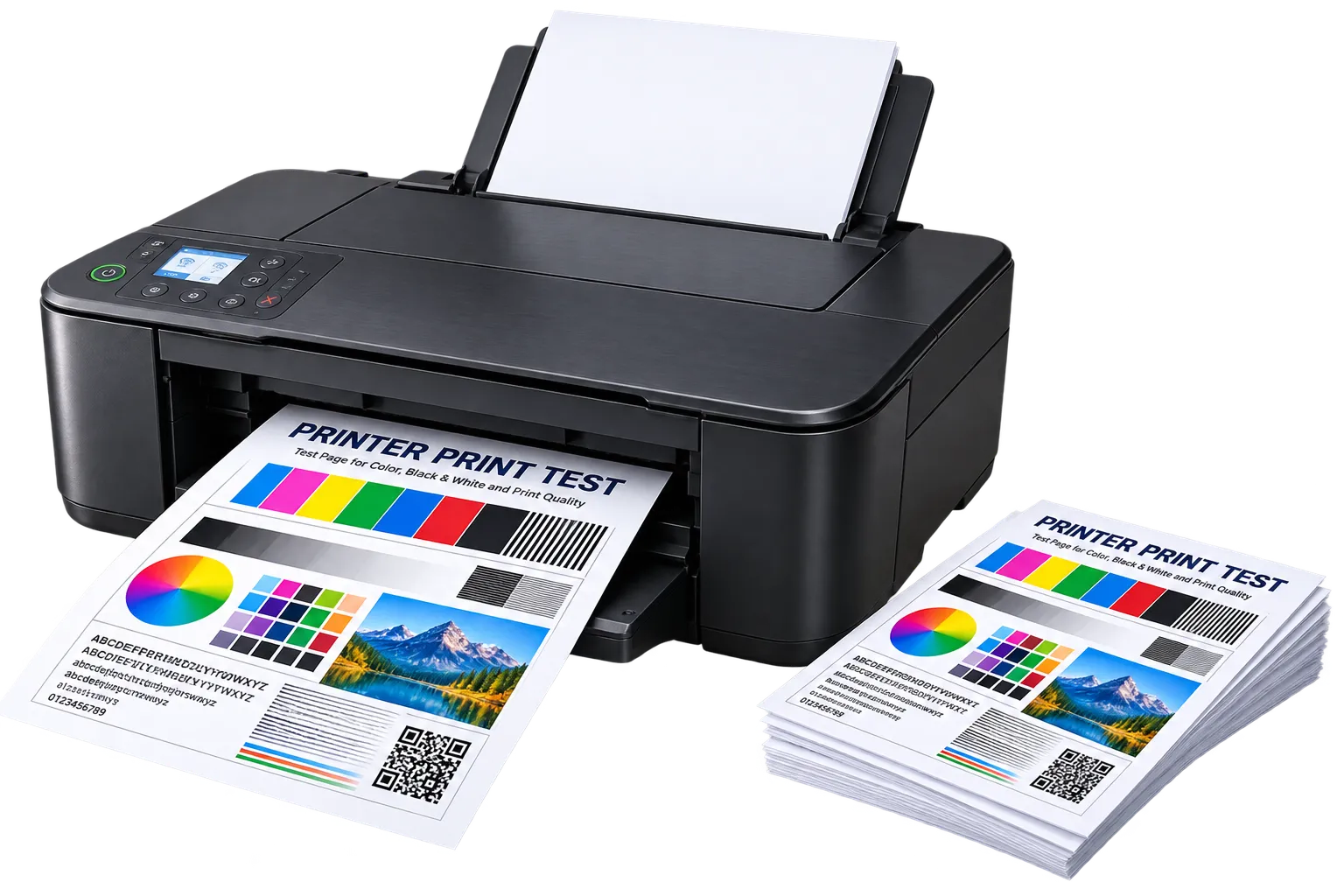
A printer print test (also called a printer test page) is a one-page diagnostic sheet used to check the health of your printer before you rely on it for something important. It typically includes color bars, a grayscale gradient, text at several sizes, and a solid block of ink or toner — together these reveal the most common print problems.
Frequently Asked Questions
How do I run a printer print test?
To run a printer print test, open any test page on this site, press Ctrl+P (Cmd+P on Mac), make sure "Background graphics" is turned on in the print options, and print. No download or extra software is required.
Why does my printer keep printing a test page automatically?
Some printers print a status/test page on their own after firmware updates, paper jams, or when a new cartridge is installed — that's the printer's own built-in page, separate from the ones on this site, and is usually a one-time diagnostic event.
What should a healthy test page look like?
Solid, even color bars with no white streaks, a smooth grayscale gradient with no sudden jumps, crisp small text, and an evenly solid black block with no visible banding.
Do I need to install anything to print a test page?
No. Every test page on this site prints directly from your browser using your printer's existing driver — there's nothing to install.