Printer Printing Faded, Streaky, or Blurry? Here's What Each Symptom Means
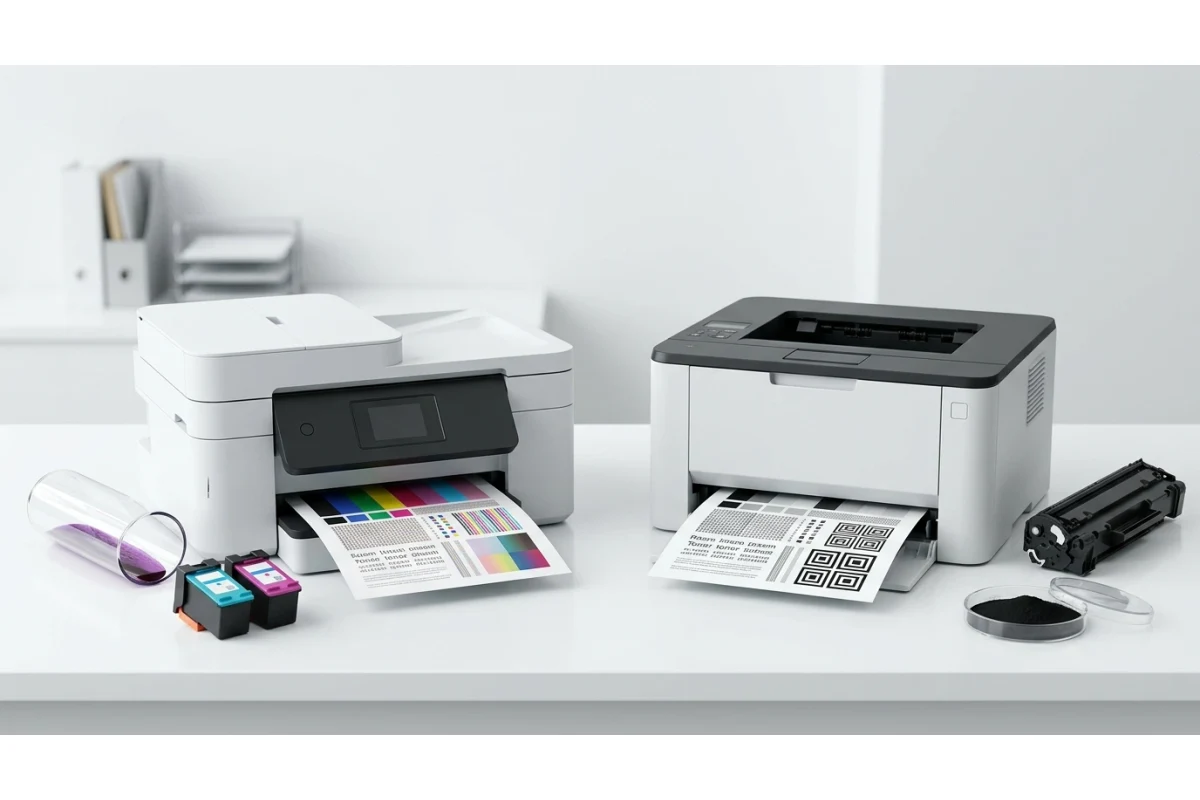
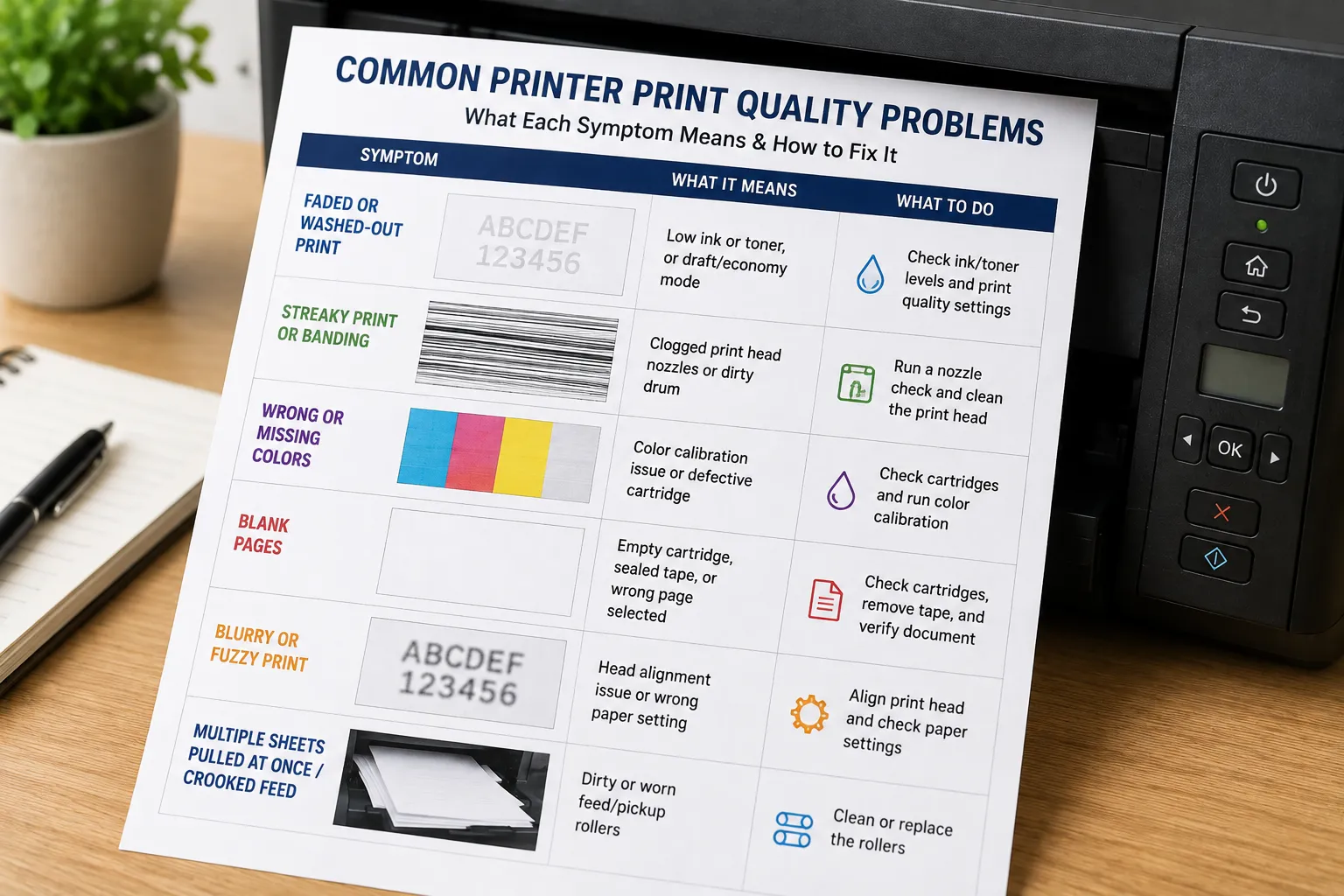
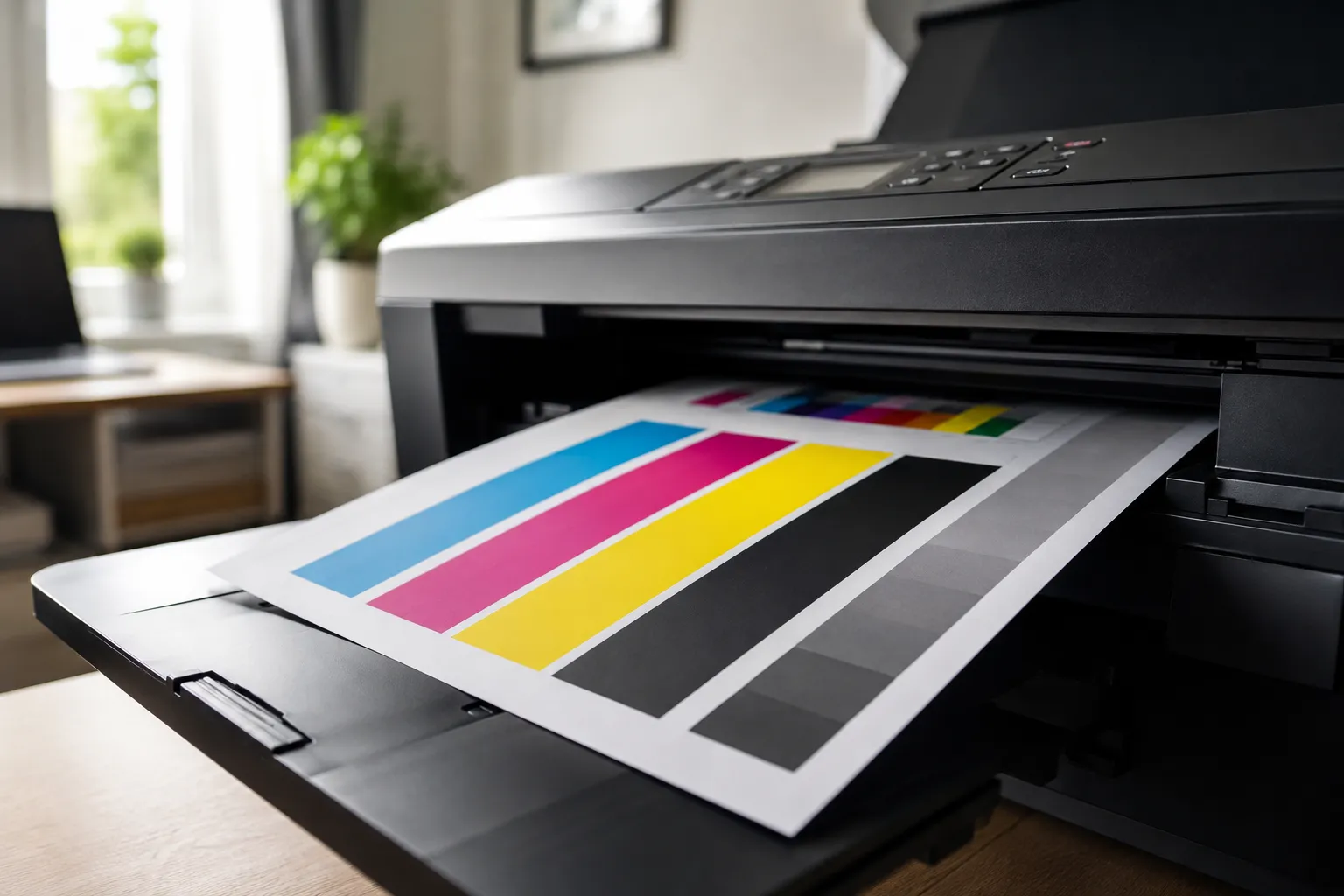
Printer printing faded, streaky, blank, or blurry pages? Here's what each specific symptom actually means and the fastest way to fix it.
Read More »Printer troubleshooting tips, guides, and how-tos.
Printer printing faded, streaky, blank, or blurry pages? Here's what each specific symptom actually means and the fastest way to fix it.
Read More »
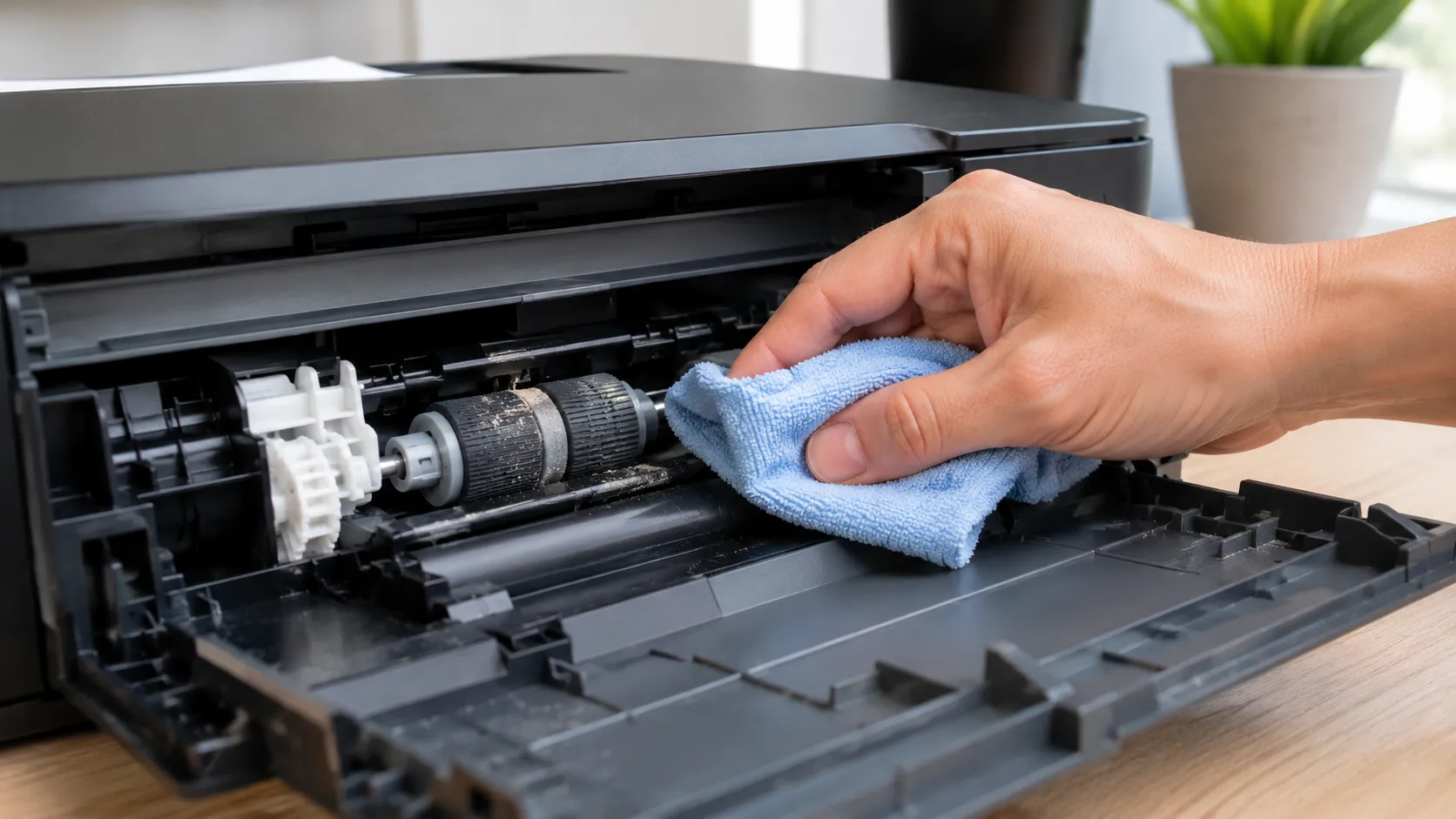
Learn how to clean printer rollers safely, what to use, brand-specific steps for HP, Canon, Epson, and Brother, and when cleaning won't fix the problem.
Read More »
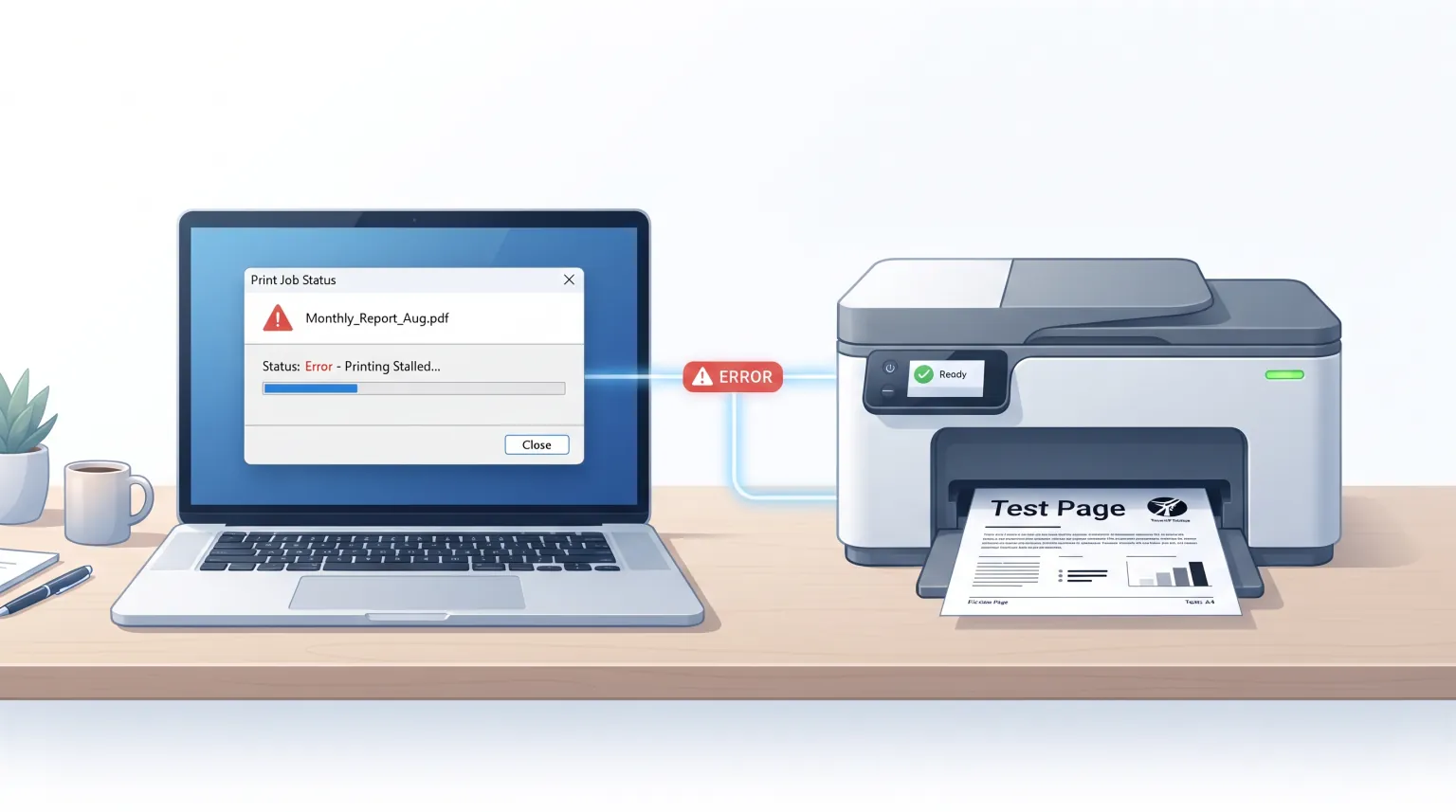
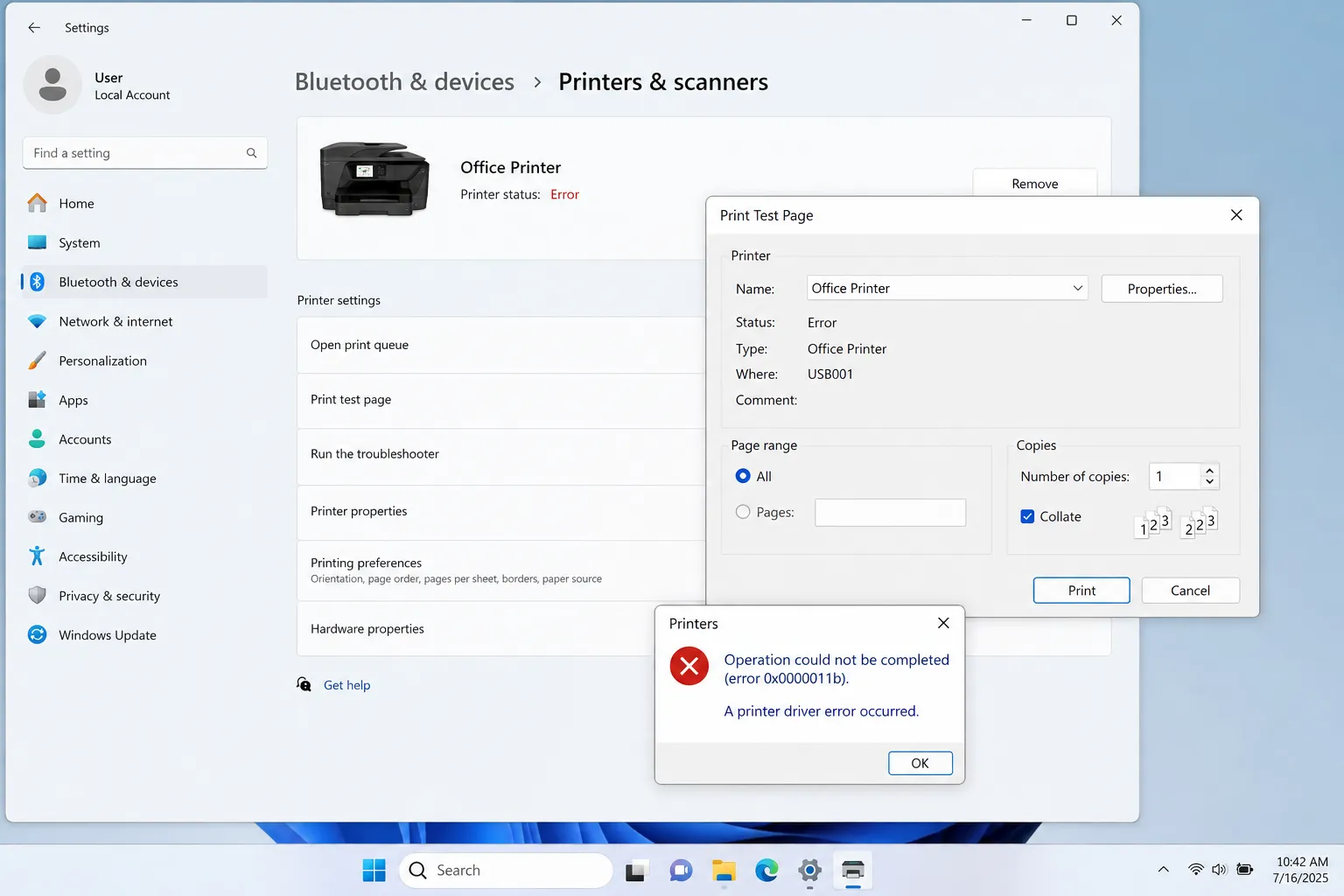
Printing a Windows test page and hitting an error like 0x0000011b or 0x0000007a? Here's what the common ones mean and how to actually fix them.
Read More »
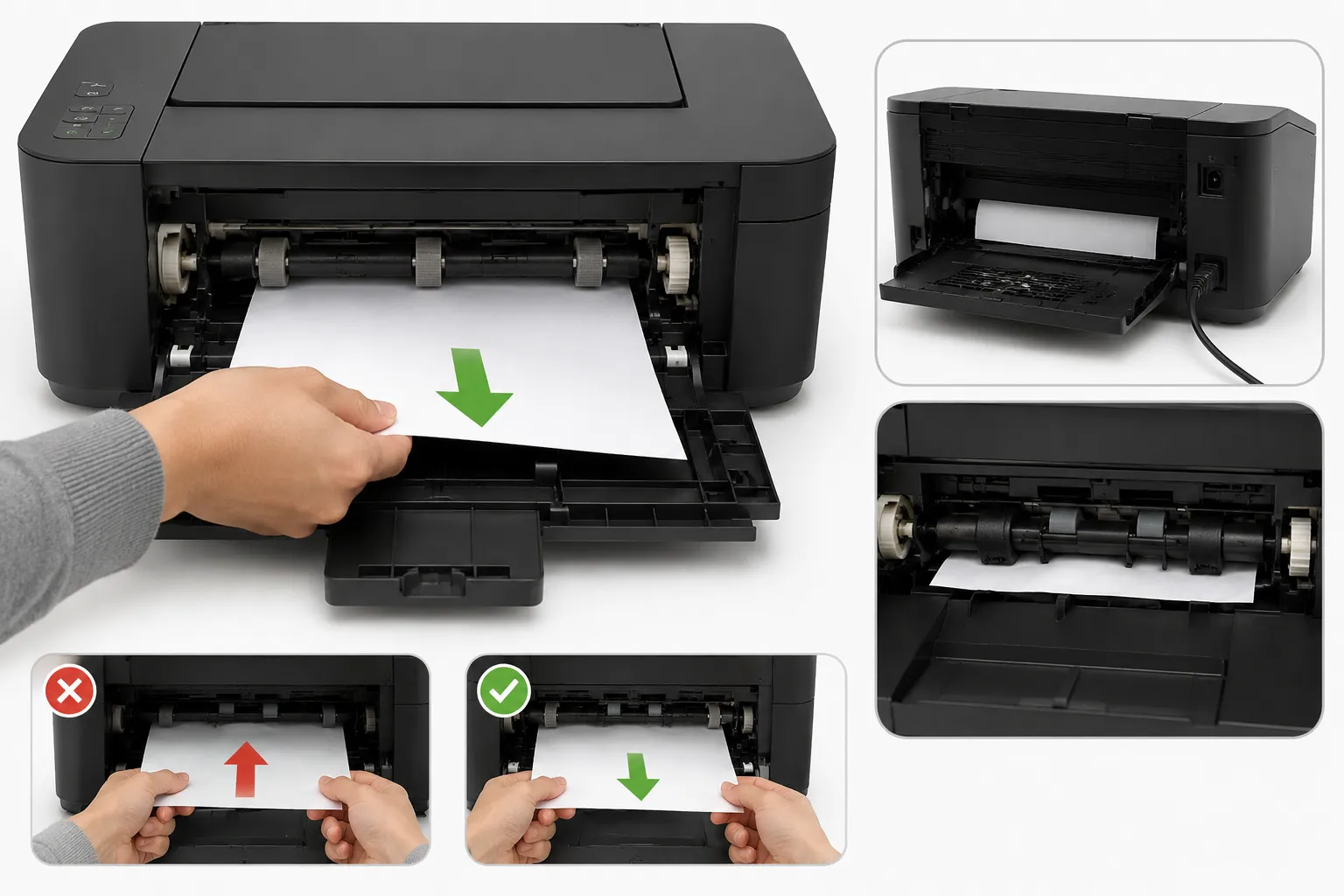
Constant paper jams usually come down to one of five causes. Here's how to clear a jam safely and stop it from happening again.
Read More »
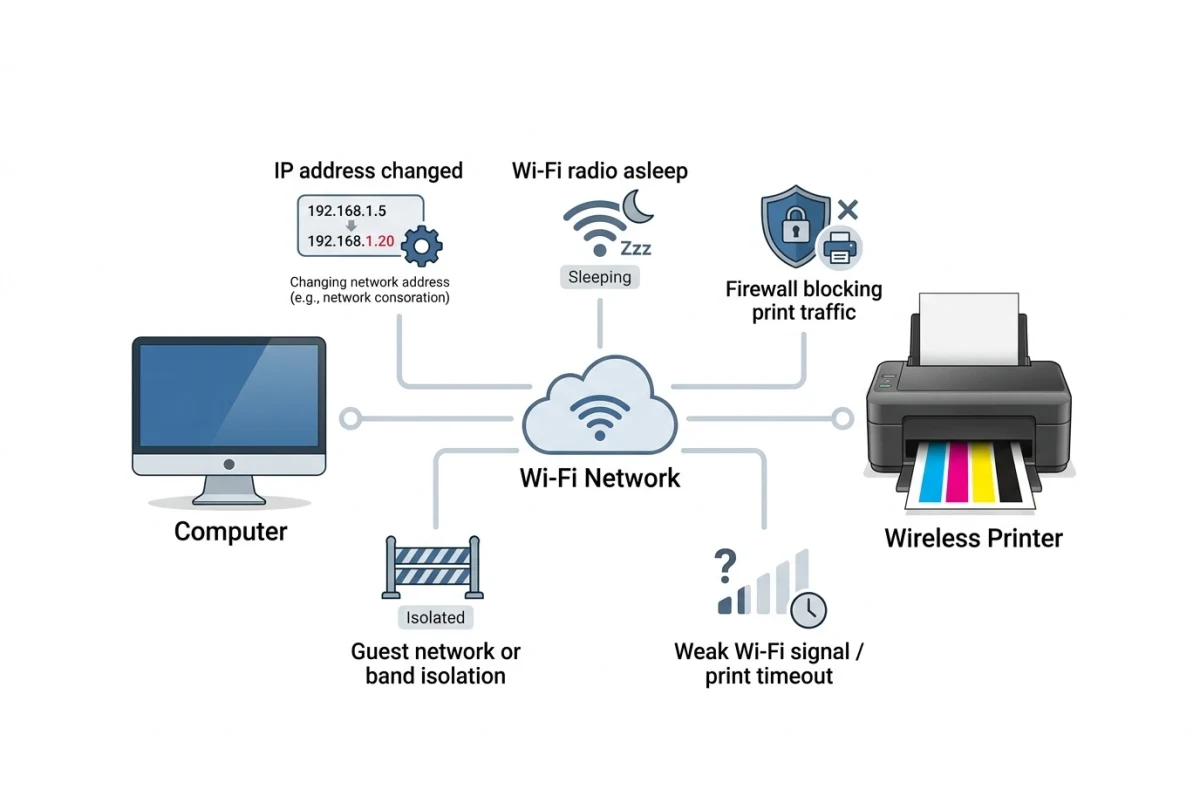
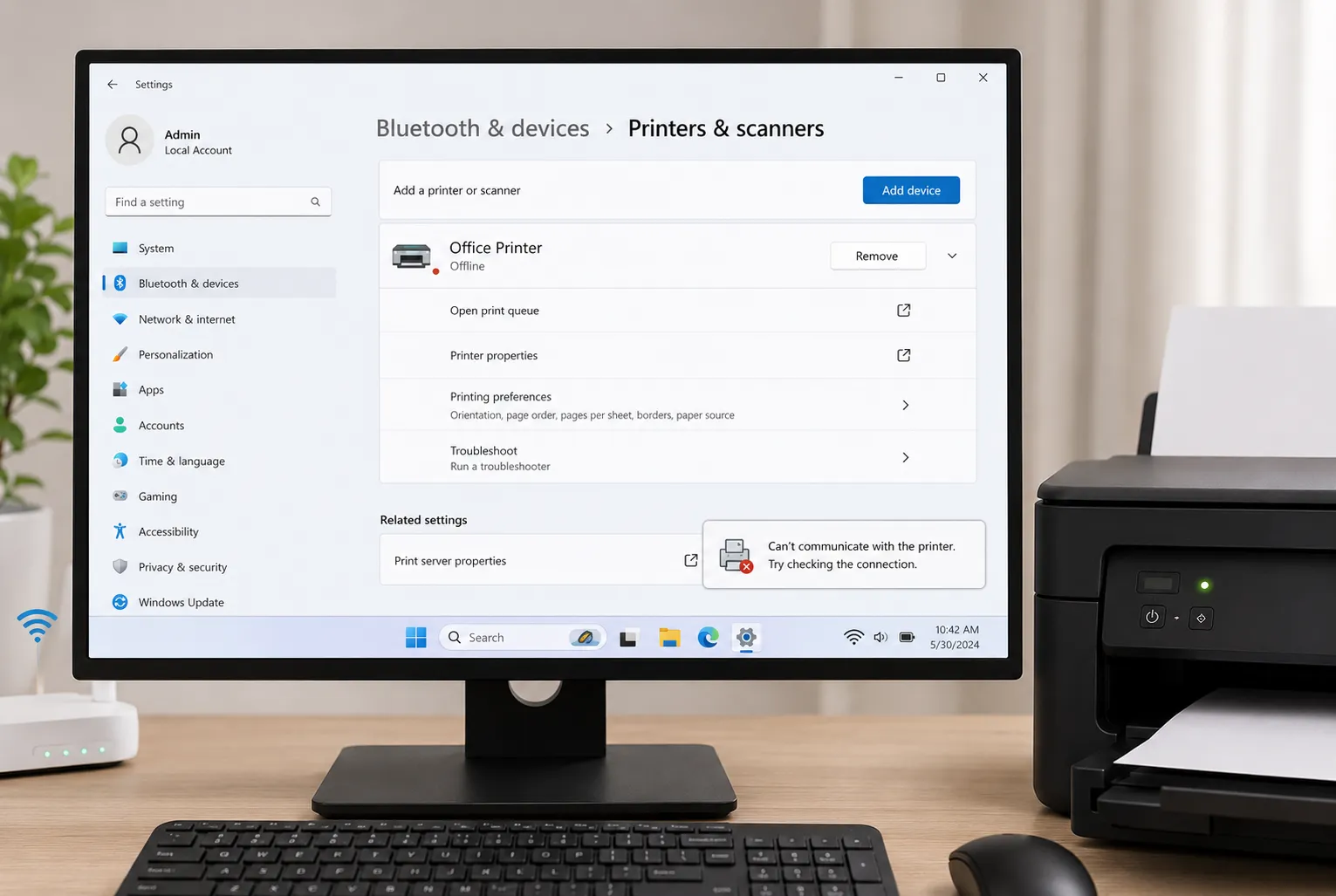
Printer stuck showing "offline" even though it's connected? Here's how to fix it on Windows and Mac, step by step, without calling support.
Read More »
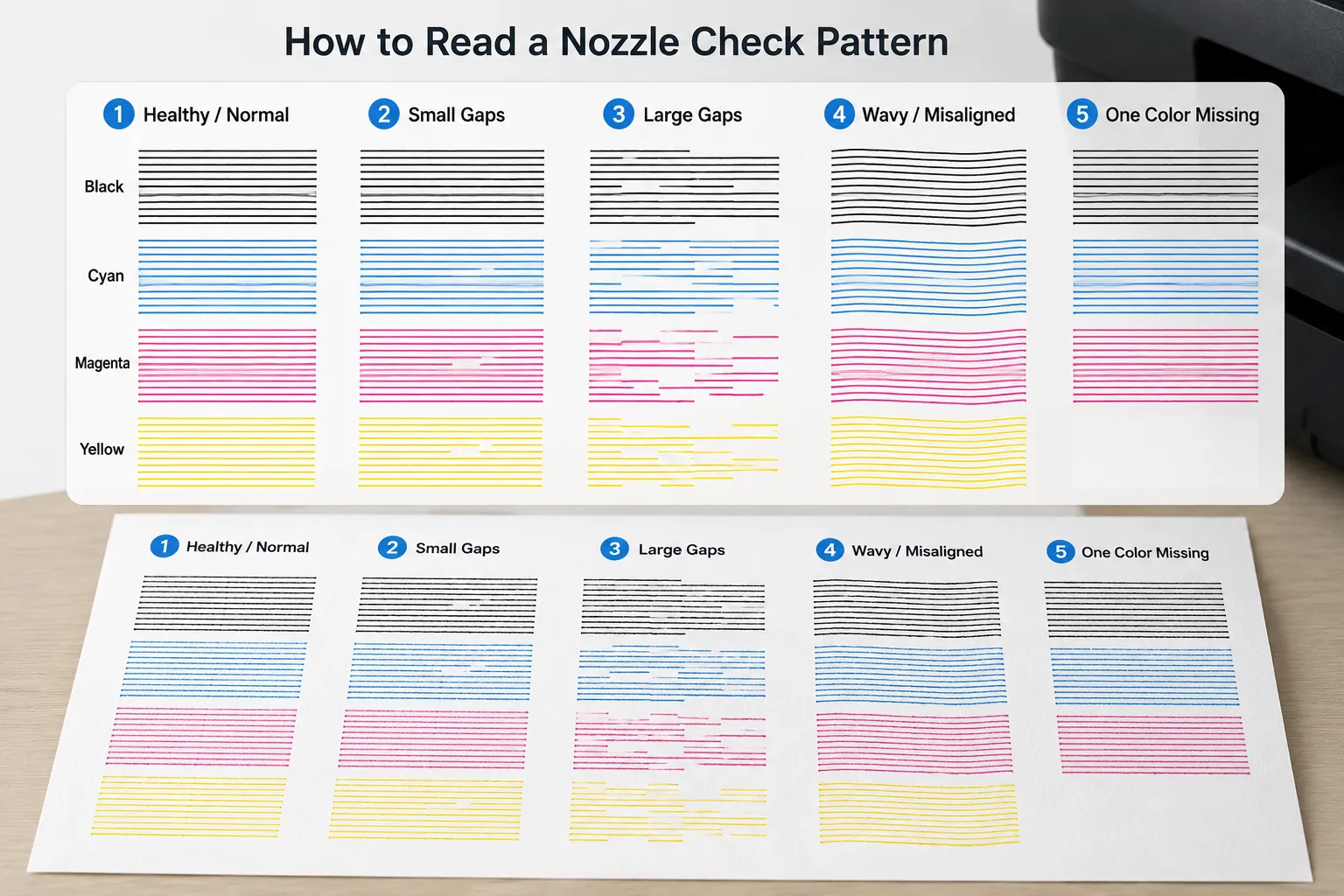
Running a nozzle check but not sure what the pattern means? Here's how to read gaps, faint lines, and missing colors so you fix the right problem.
Read More »
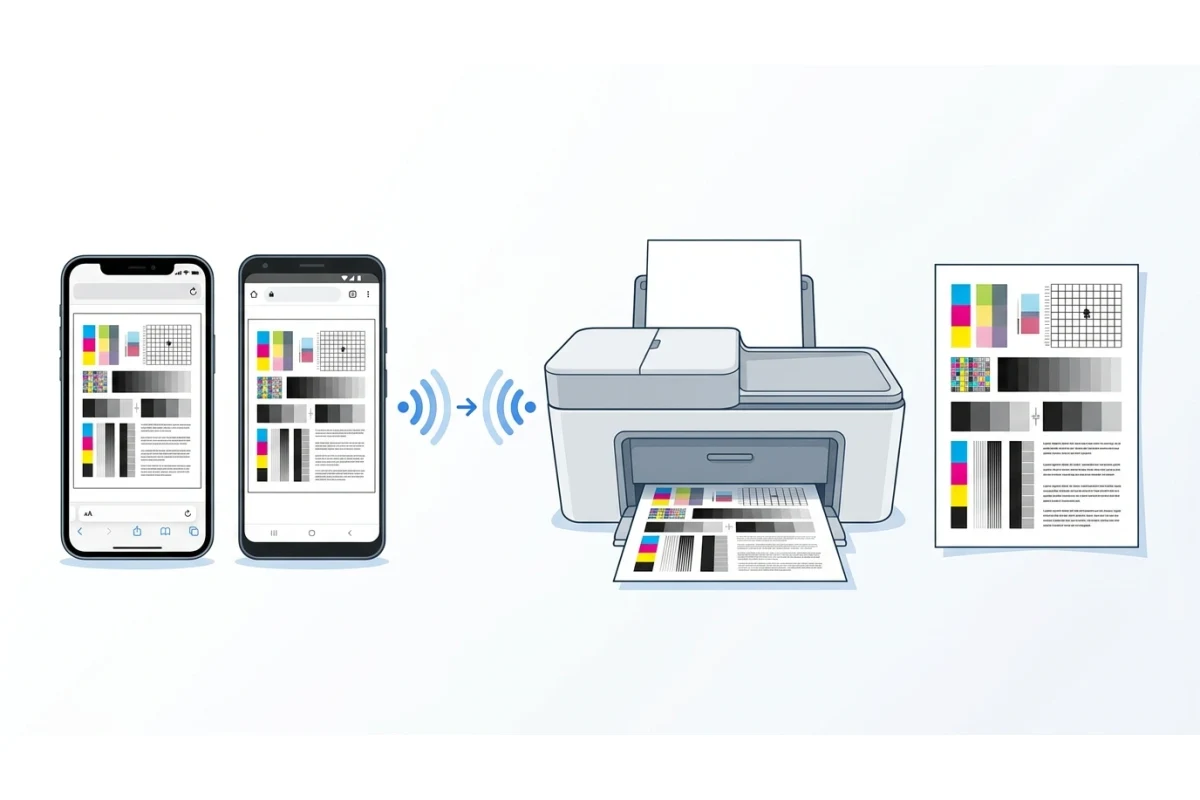
Learn what a print test page shows you and how to print one on Windows, Mac, or straight from your printer — plus what to do if it won't print right.
Read More »
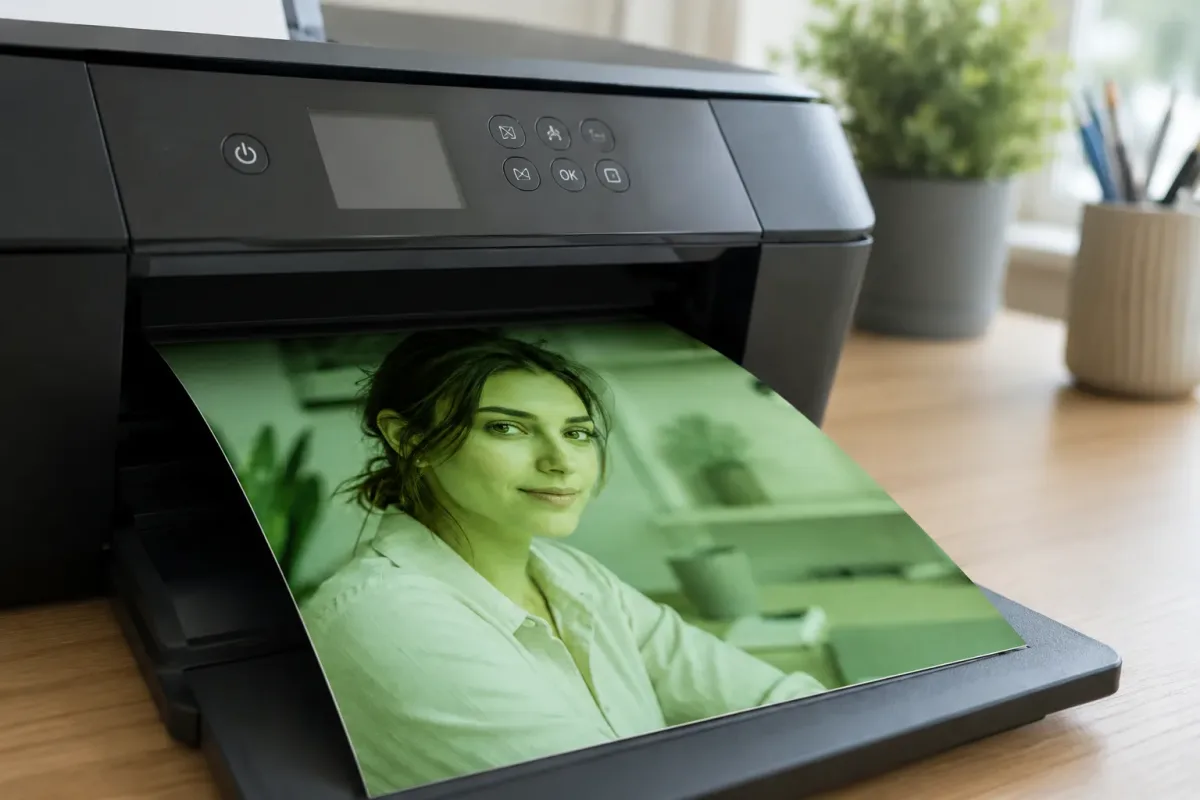
Green faces, faded colors, streaky text? Learn how a free printer test page can diagnose color problems, fix printhead alignment, and stop you wasting money on ink.
Read More »No posts in this category yet.