
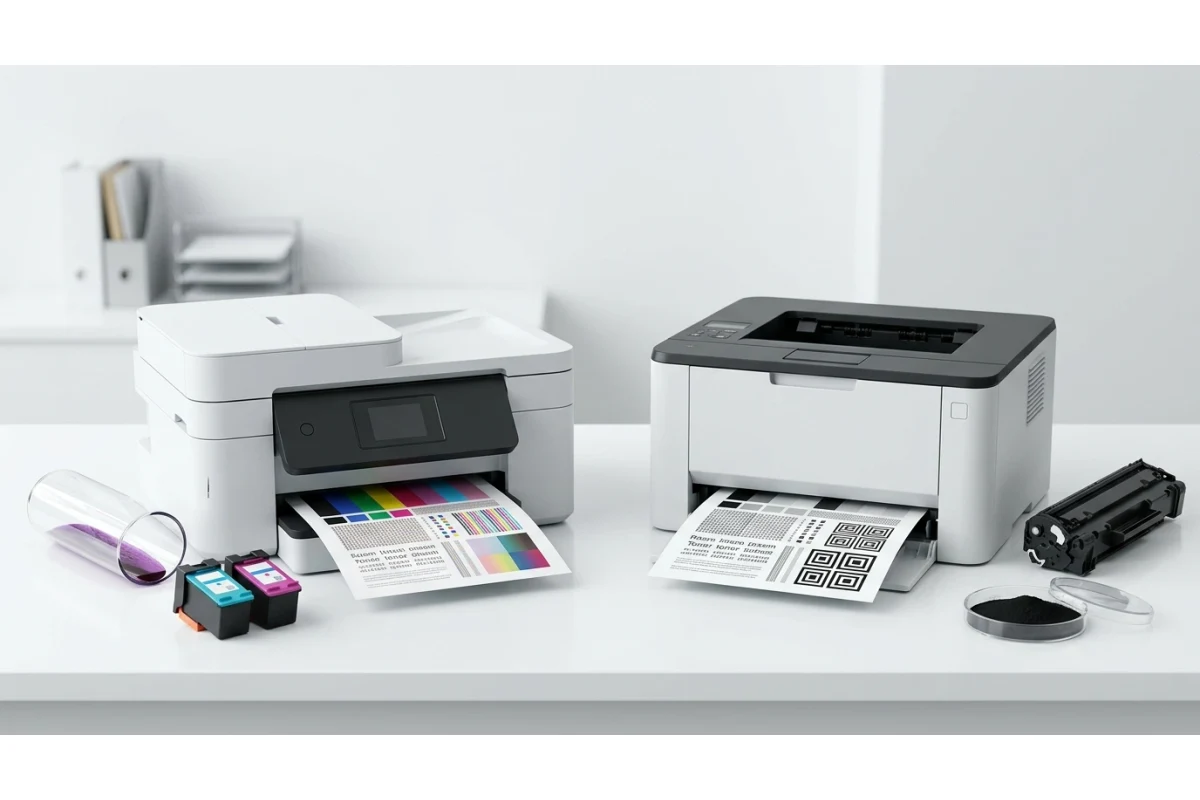
Run the same test page on an inkjet printer and a laser printer and you'll get two genuinely different diagnostic tools, not just two printouts. Ink and toner fail in different ways, because they're not the same substance and they don't get applied to paper the same way — and knowing which kind of printer you own changes what you should actually be looking for.
Two Completely Different Technologies
An inkjet printer sprays microscopic droplets of liquid ink directly onto the page through tiny nozzles in the print head, building up color and text one pass at a time. A laser printer works nothing like that: it uses a laser to draw a static electric charge onto a rotating drum, powder toner clings to the charged areas, and then heat and pressure fuse that toner permanently onto the page. One is wet chemistry sprayed through a nozzle. The other is static electricity and heat. It makes sense that they break in different ways.
What Goes Wrong on Inkjet Printers
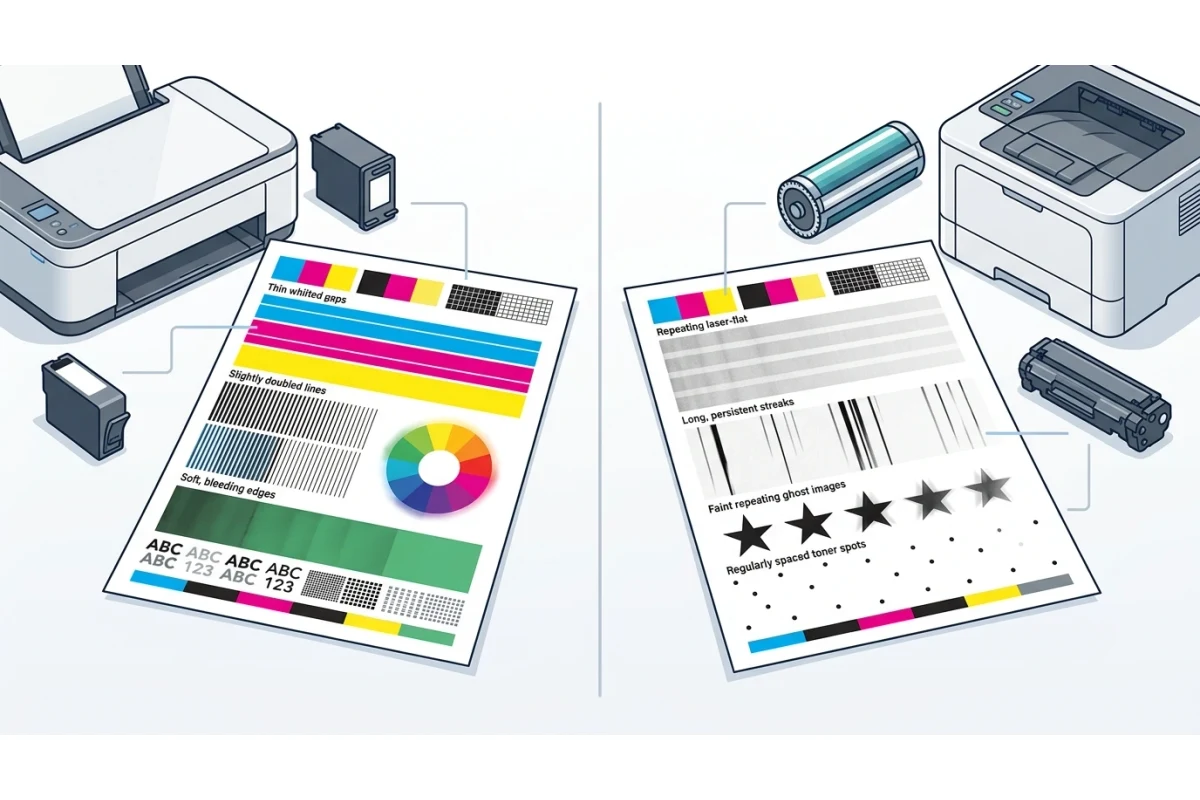
- Clogged nozzles — dried ink blocks individual nozzles, showing up as thin white gaps running through an otherwise solid color bar. This is by far the most common inkjet issue, especially after the printer's sat unused for a while.
- Misalignment — the print head can drift slightly out of position, causing blurry or doubled edges on text and fine lines.
- Bleeding — liquid ink can spread slightly on cheap or uncoated paper, softening edges that would look sharp on proper paper stock.
- Color shift while drying — ink sometimes looks a shade different once fully dry compared to how it looked the moment it hit the page, which is normal and not a defect.
Our nozzle check test page is built specifically around this failure mode — it's designed to reveal exactly which nozzles are clogged, by color, which only makes sense on inkjet hardware. If you own a laser printer, "nozzle check" isn't a meaningful test for your machine at all, since there's no nozzle involved anywhere in the process.
What Goes Wrong on Laser Printers
- Banding — repeating faint horizontal stripes, usually from toner that isn't distributing evenly across the drum, or a drum nearing the end of its life.
- Streaks or lines running the length of the page — almost always a scratched or damaged drum, or a buildup of debris on it, rather than anything to do with low toner.
- Ghosting — a faint, repeated version of an image or text appearing further down the same page, caused by the drum not fully discharging before its next rotation. This doesn't have an inkjet equivalent at all.
- Spotting — small, regularly-spaced marks that repeat at a fixed interval down the page, which usually points to a specific damaged spot on the drum rather than a toner level problem.
Fresh laser output also tends to look flatter and more uniform than fresh inkjet output on solid color blocks, since fused toner sits on the surface of the page rather than soaking in even slightly.
| Symptom | Inkjet meaning | Laser meaning |
|---|---|---|
| Thin white gaps in a color bar | Clogged nozzle — run a cleaning cycle | Not typical; check for a scratched drum instead |
| Repeating horizontal banding | Alignment issue or partial clog | Uneven toner distribution or aging drum |
| Faded overall output | Low ink | Low toner, or toner needs redistributing (shake the cartridge) |
| Faint repeated image lower on the page | Doesn't occur | Drum not fully discharging (ghosting) |
| Blurry or doubled text | Print head misalignment | Rare; usually a drum or fuser issue instead |
Why This Matters When You're Reading a Test Page
If you're troubleshooting based on generic advice that doesn't account for which technology you own, you can end up chasing the wrong fix entirely — running repeated cleaning cycles on a laser printer showing ghosting, for instance, does nothing, because the drum's discharge issue has no relationship to a cleaning cycle built for clearing inkjet nozzles. Knowing which category your printer falls into before you start narrows the list of likely causes considerably.
Both technologies benefit from the same starting point, though: run a full color test page or black and white test page first, note exactly what the defect looks like, and then match it against your printer type using the table above rather than a generic troubleshooting checklist that assumes one or the other.
Frequently Asked Questions
Can I run a nozzle check on a laser printer?
Not meaningfully — laser printers don't have print head nozzles at all, so a nozzle check pattern won't reveal anything useful. Use a standard color or black and white test page instead and compare what you see against typical laser symptoms like banding or ghosting.
Why does my laser printer's output look flatter than my old inkjet's did?
This is normal, not a defect. Fused toner sits on the surface of the page as a solid layer, while liquid ink partially absorbs into the paper fibers — the two naturally produce a slightly different visual texture on solid color areas even when both are working correctly.
Does shaking a toner cartridge actually help?
Yes, in a specific case — toner powder can settle unevenly inside the cartridge over time, and gently rocking it side to side redistributes it, which often temporarily restores more even, darker output from a cartridge that's getting low.