Guides
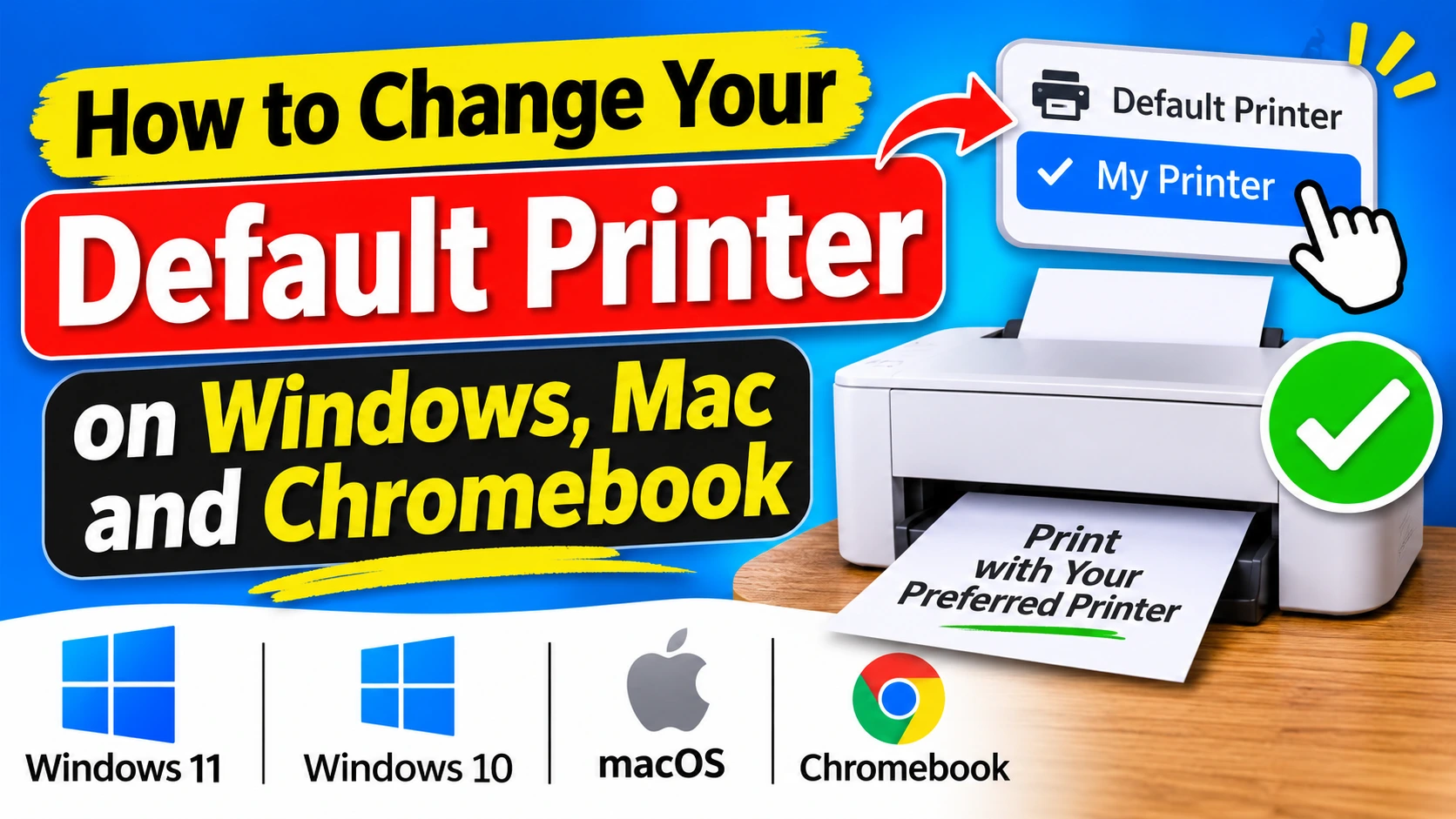
How to Change Your Default Printer on Windows, Mac and Chromebook
Change your default printer on Windows 11, Windows 10, macOS or Chromebook, and stop Windows switching it back with Let Windows manage my default printer.
Plain, step-by-step fixes for the printer problems people search for most: printers stuck offline, test pages that print blank or faded, clogged nozzles, paper jams and Windows print errors. Each guide explains what the symptom means, how to confirm it with a test page, and what to try first.
Guides
Change your default printer on Windows 11, Windows 10, macOS or Chromebook, and stop Windows switching it back with Let Windows manage my default printer.
Troubleshooting
HP printhead cleaning without wasting ink: print a color test page, work out what the streaks or gaps mean, then run the clean cycle only if it's needed.
Guides
Print an HP self-test page: which built-in report to use and the exact buttons for Ink Tank 315/415, Smart Tank 515, DeskJet 2135, ENVY and LaserJet.
Guides
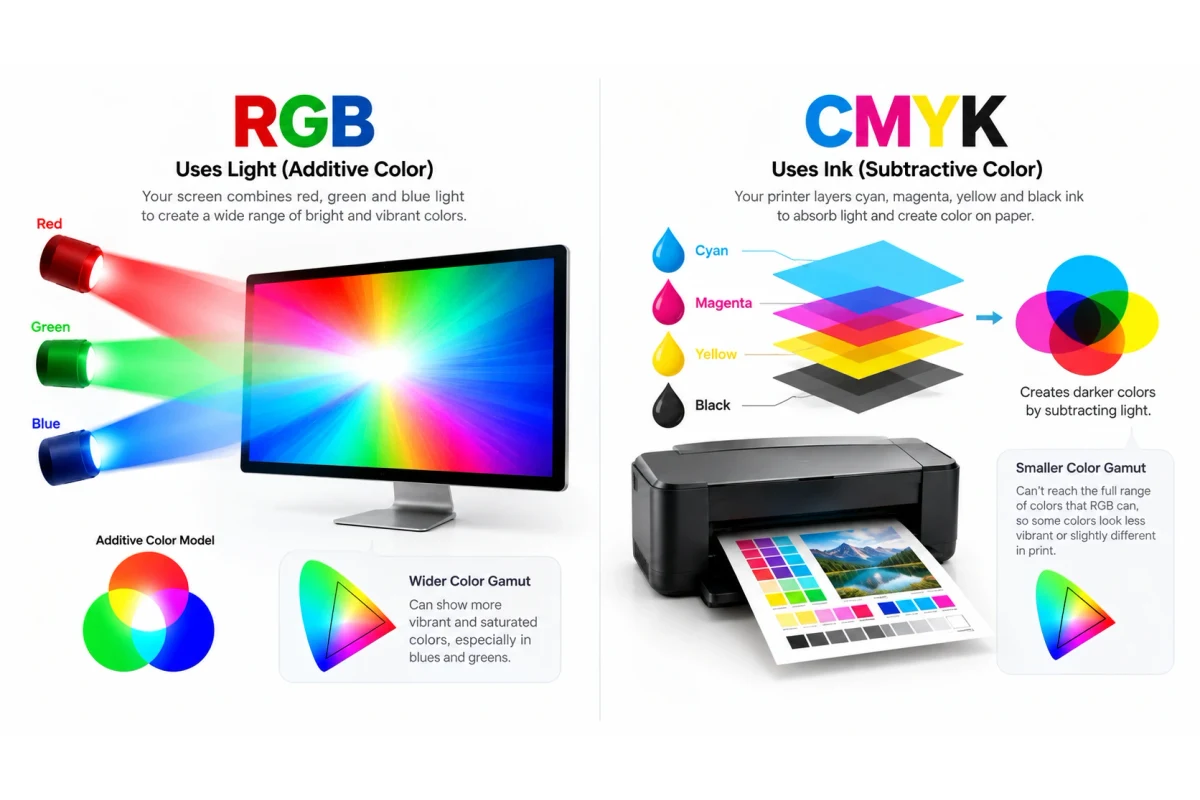
CMYK vs RGB explained: your monitor mixes light, your printer mixes ink, and that mismatch is why printed colors look duller than the screen.
Troubleshooting
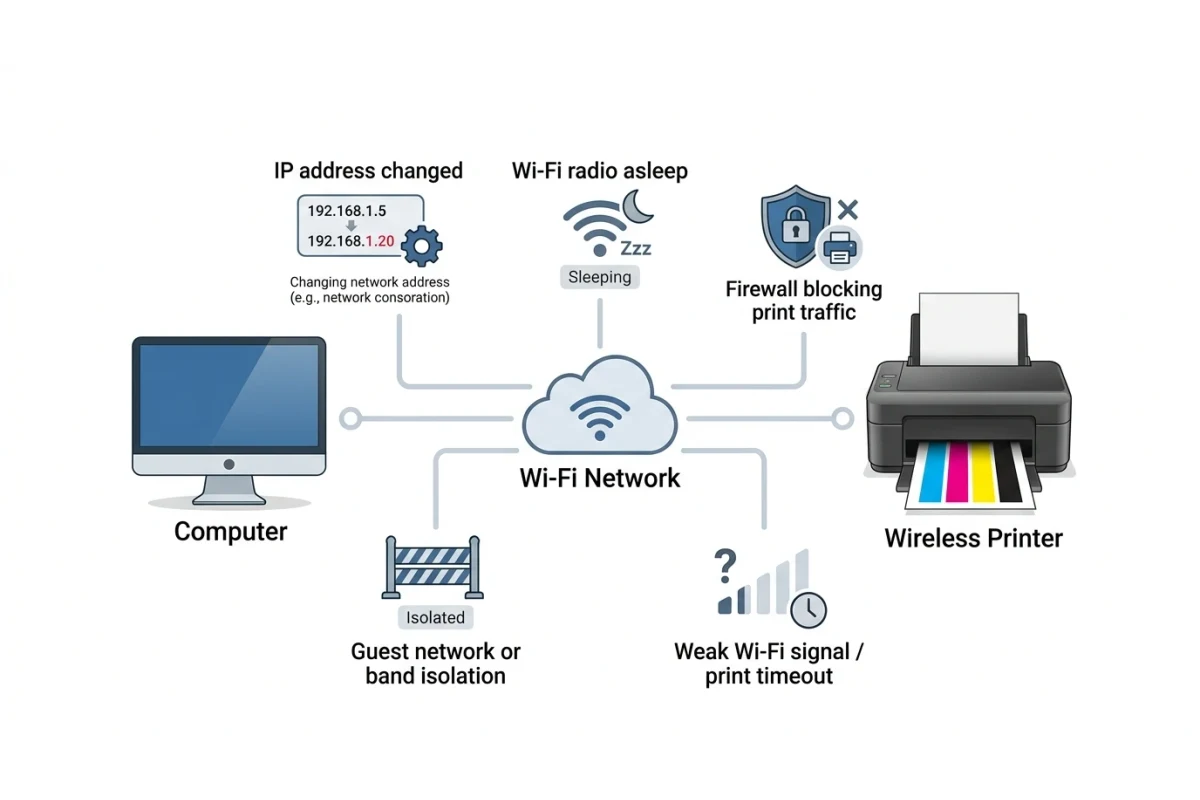
Wireless printer shows connected but a test page still won't print over Wi-Fi? The network causes, and fixes, that USB troubleshooting misses.
Troubleshooting
Test page prints blank? Paper feeds through fine but nothing's on it. A blank page has a short list of causes; here's how to find yours in minutes.
Guides
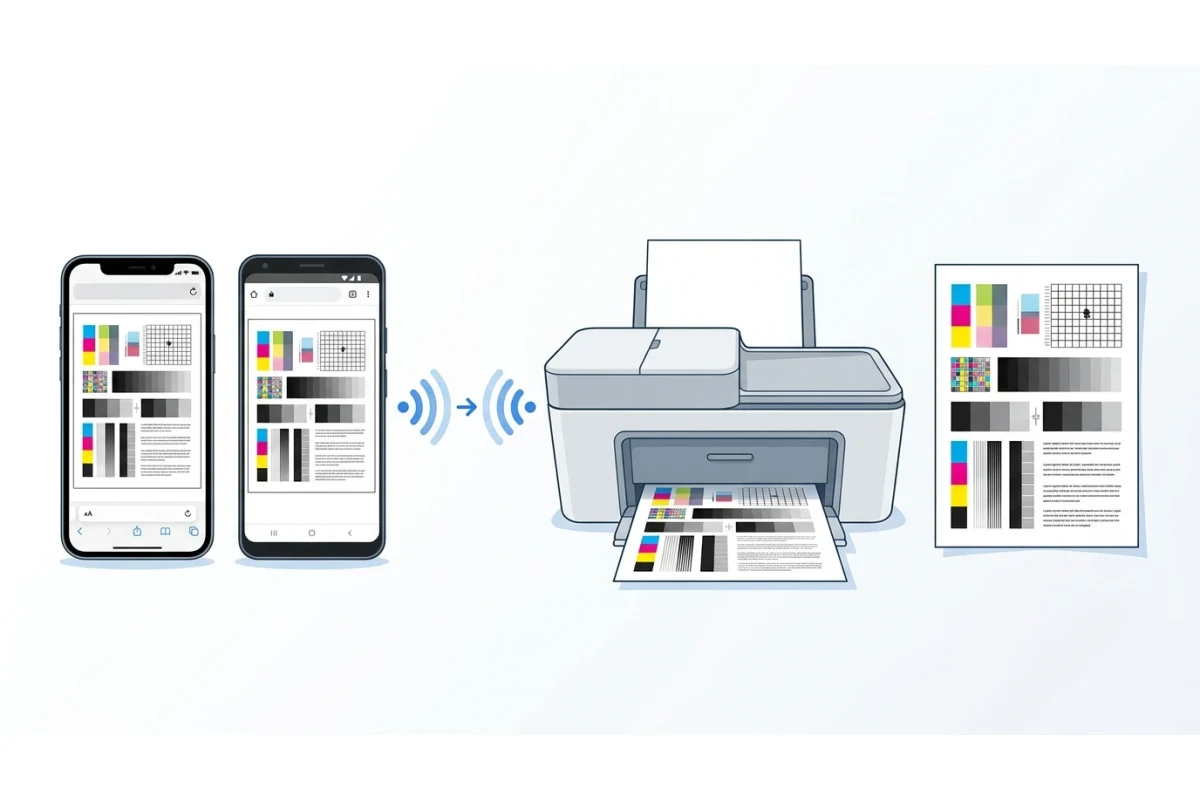
How to print a test page from your phone: the browser method for iPhone and Android, step by step, plus brand apps and what to do if it won't connect.
Guides
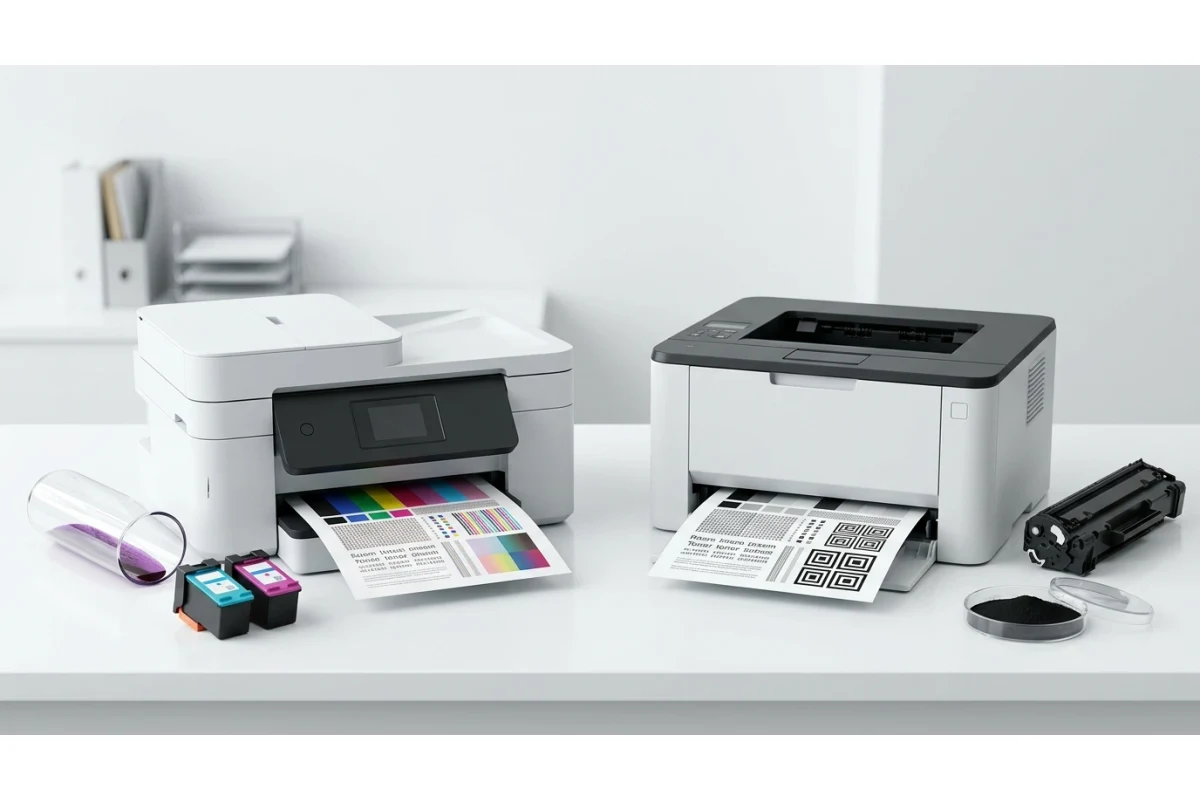
Ink vs toner: the same test page reveals different problems on an inkjet and a laser printer. Here's what each one's failures look like on paper.
Guides
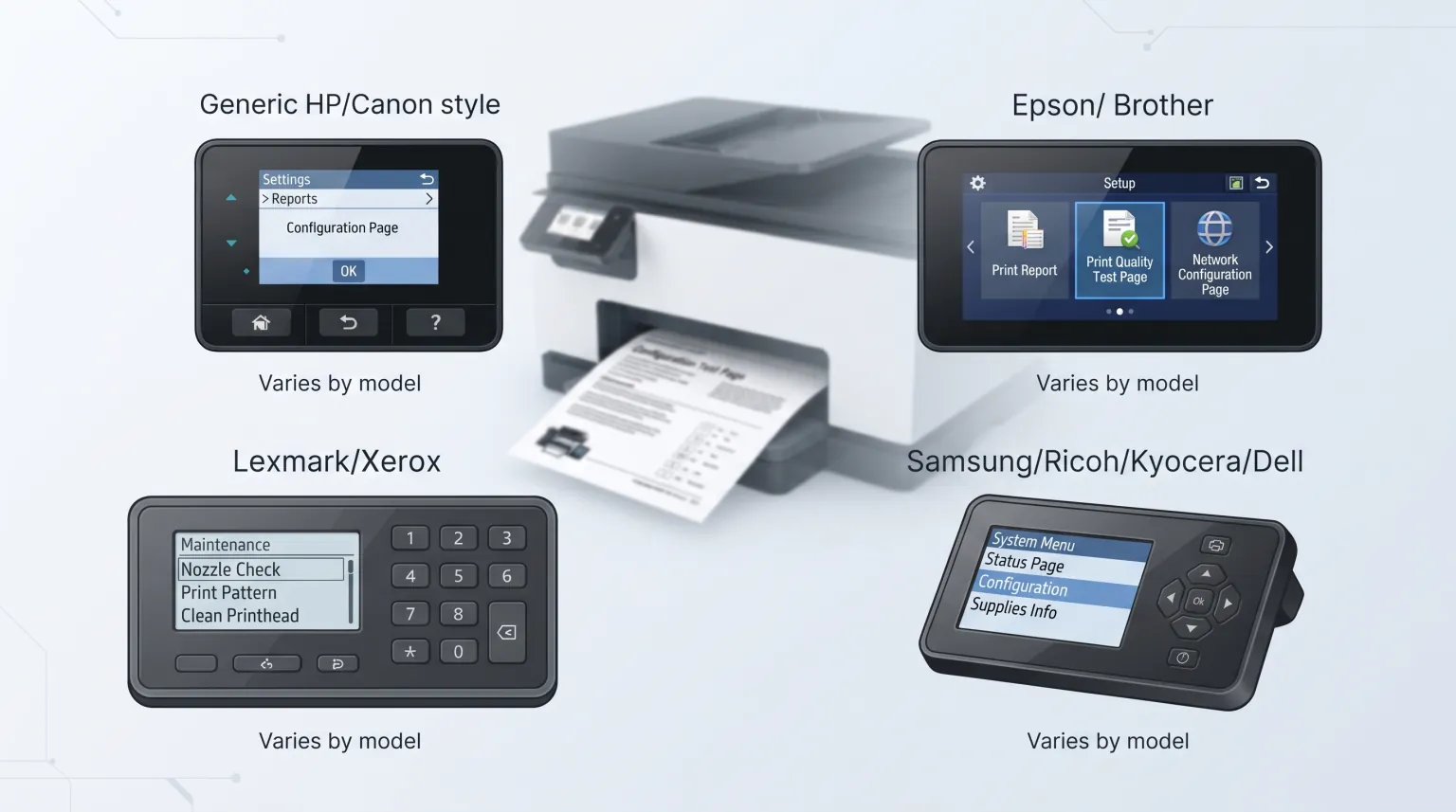
You can print a test page without a computer from any printer's control panel. Here's how to find the self-test option on 10 major printer brands.
Troubleshooting
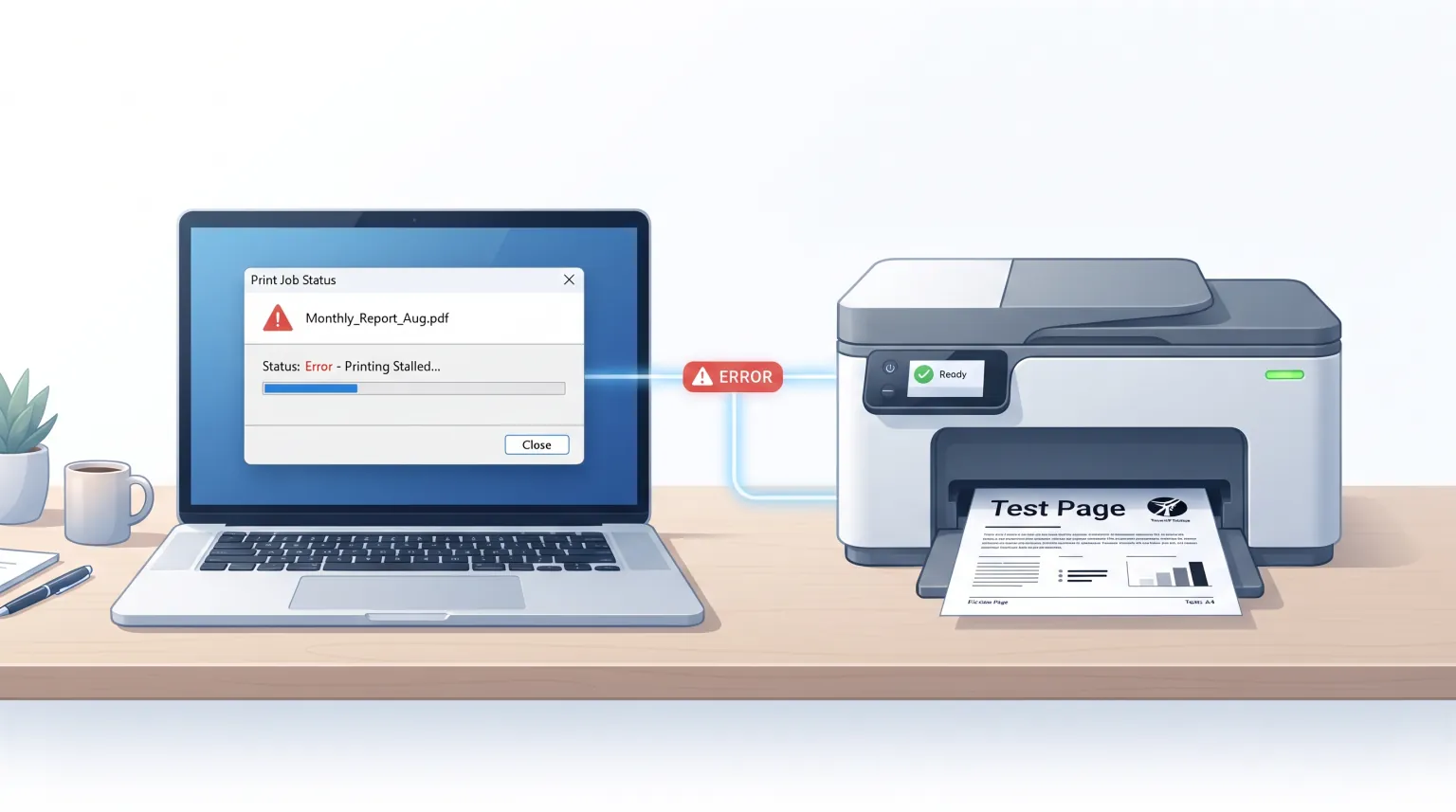
Printer prints a test page but not documents? The cause is almost always software: the wrong default printer, a stuck queue or a driver. How to fix it.
Guides
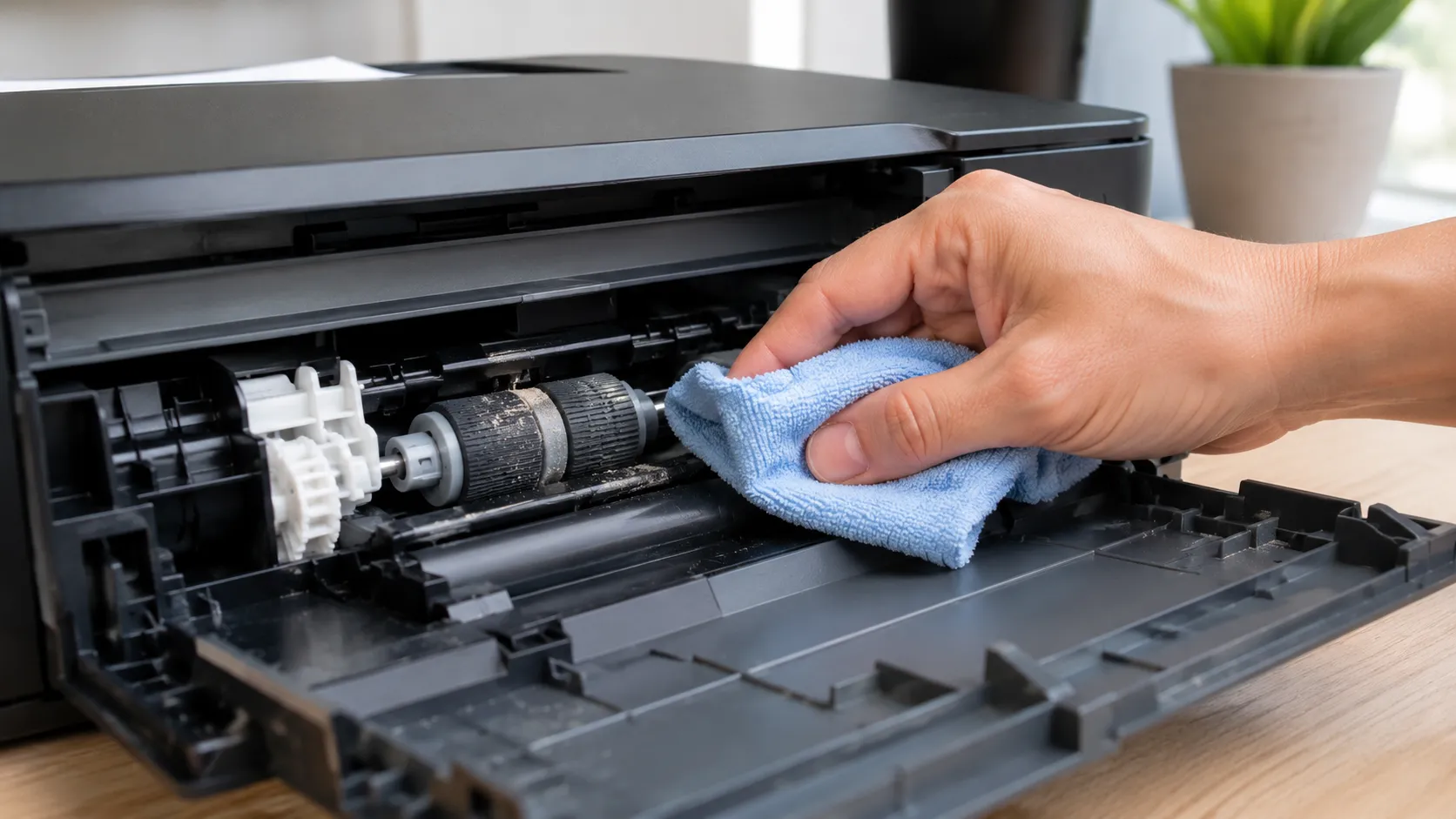
Paper not feeding, jamming or going in crooked? How to clean printer rollers safely, with steps for HP, Canon, Epson and Brother, and when to replace them.
Troubleshooting
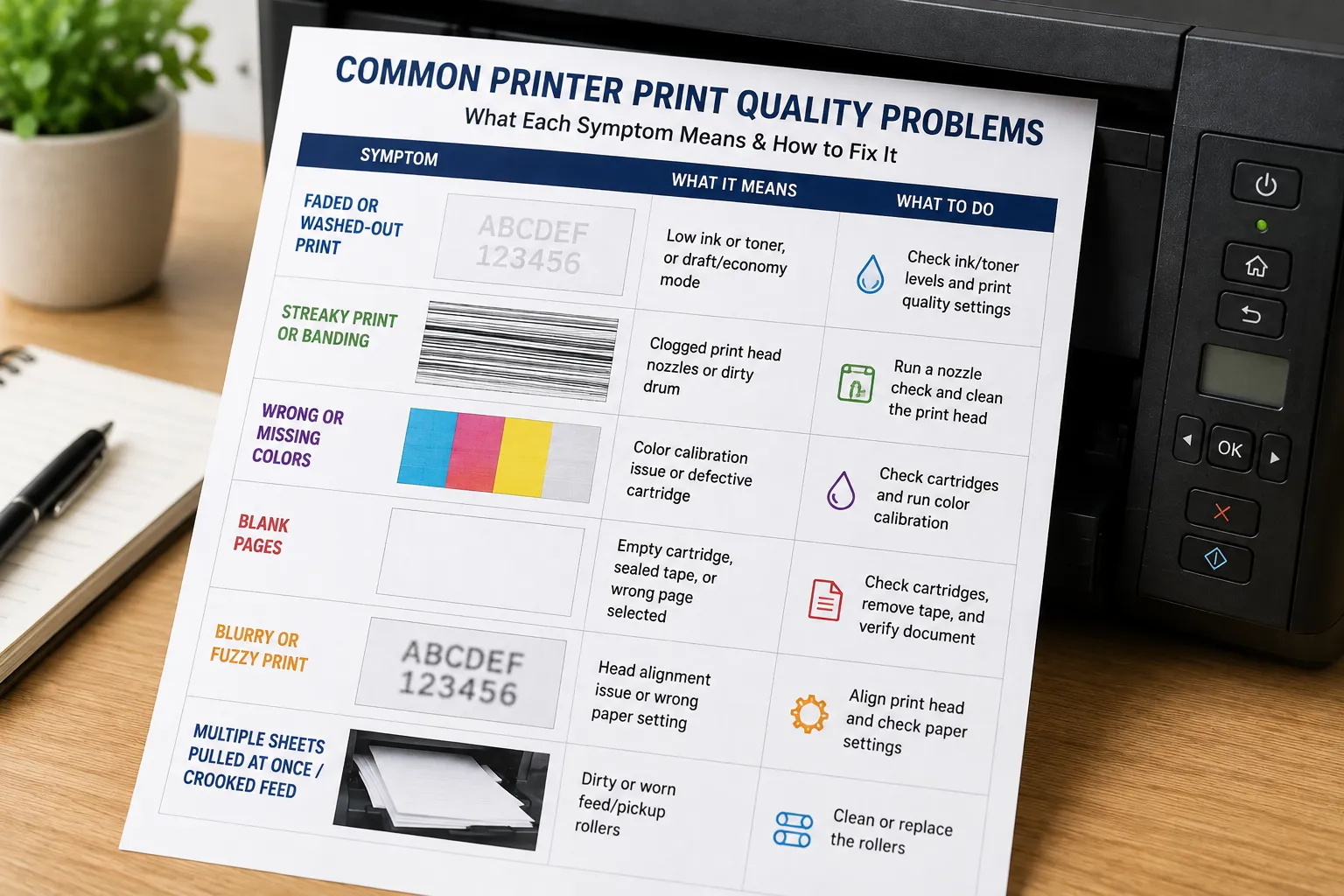
Printer printing faded, streaky, blank, or blurry pages? Here's what each specific symptom actually means and the fastest way to fix it.
Guides
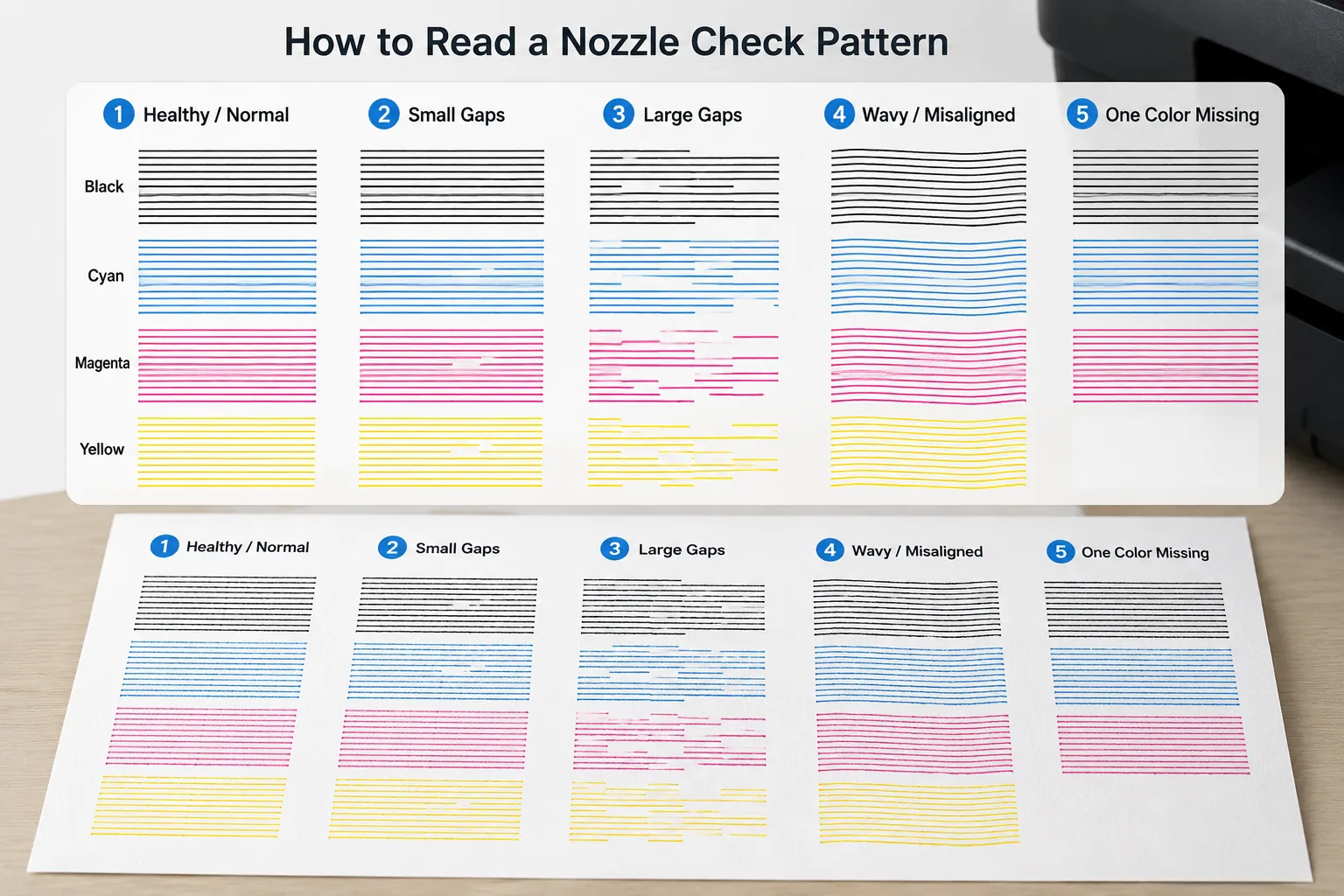
Not sure what your nozzle check pattern means? How to read gaps, faint lines and missing colors so you fix the right problem instead of guessing.
Troubleshooting
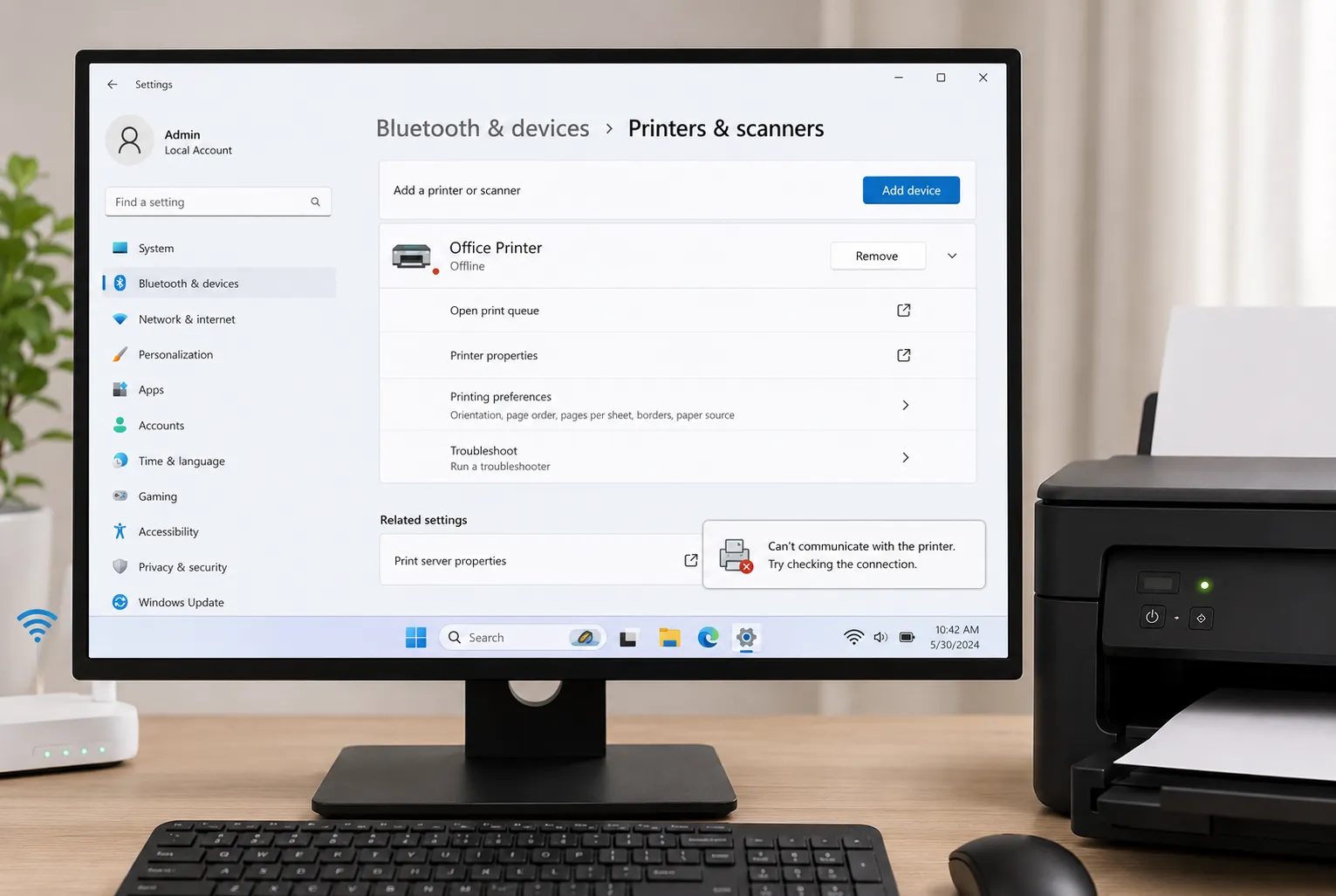
Printer offline even though it's connected? How to fix a printer offline error on Windows and Mac, step by step, without calling support.
Troubleshooting
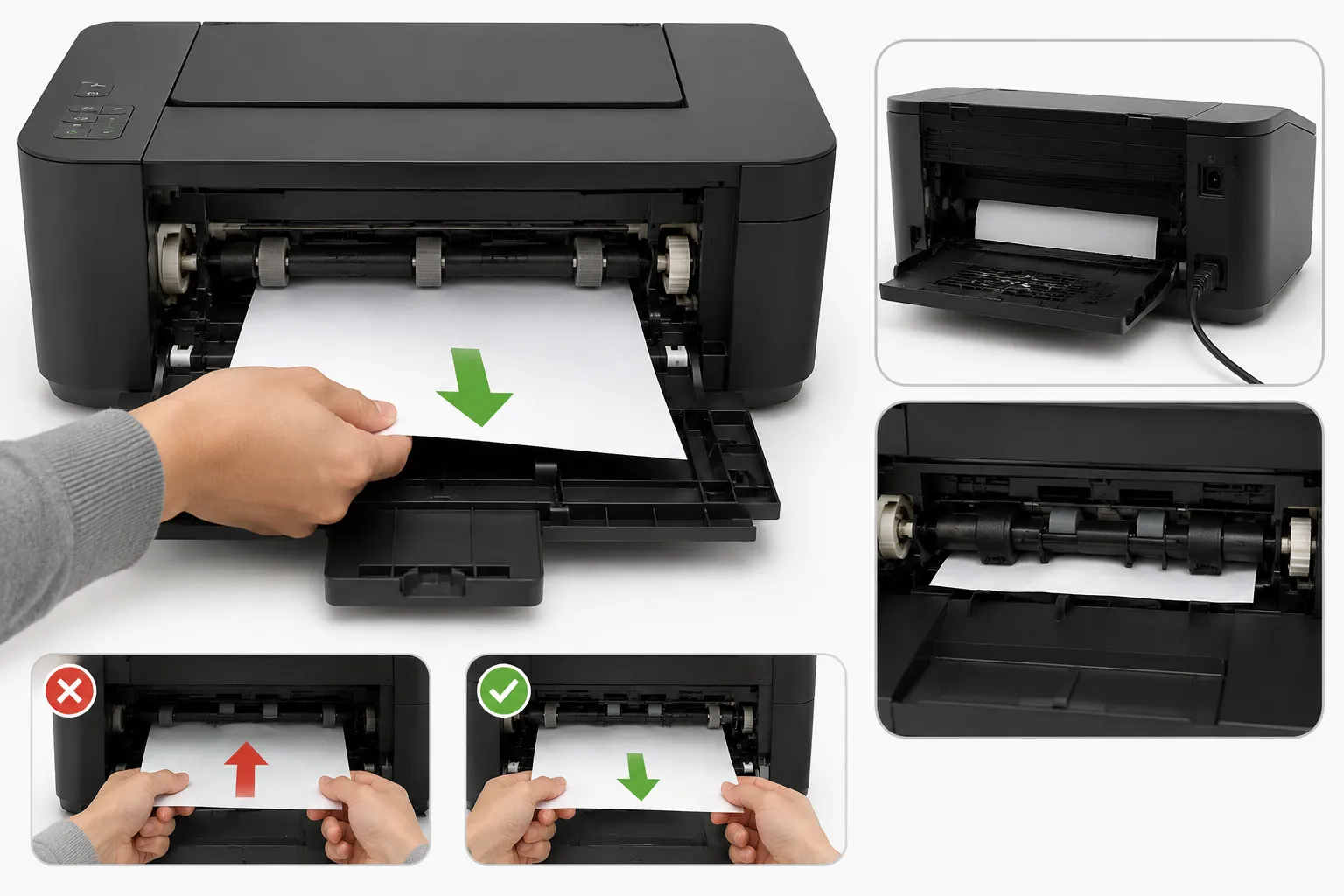
Printer keeps jamming? Constant paper jams usually come down to one of five causes. Here's how to clear a jam safely and stop it happening again.
Troubleshooting
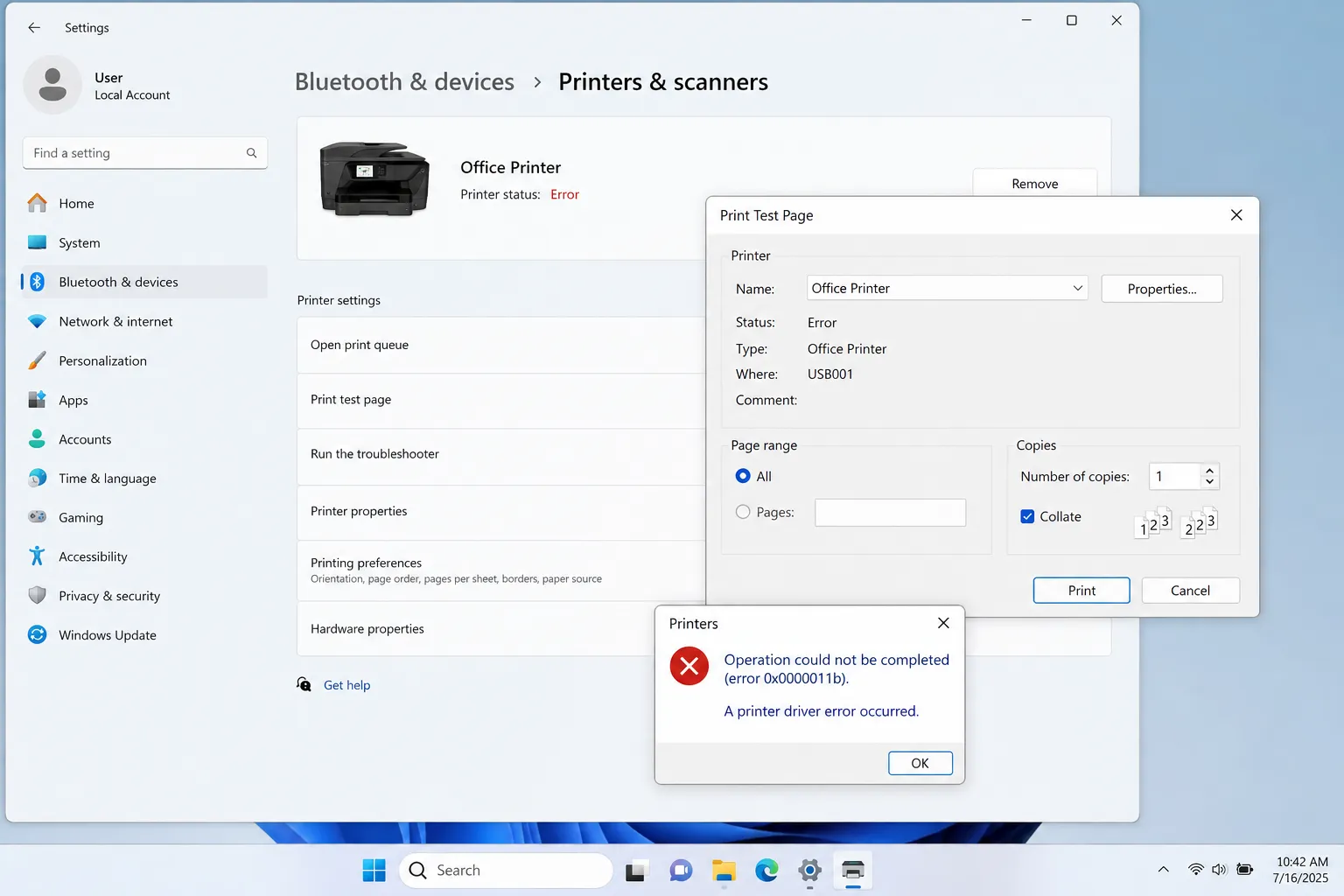
Windows printer error codes like 0x0000011b or 0x0000007a stopping your test page? What the common ones mean and how to actually fix them.
Guides
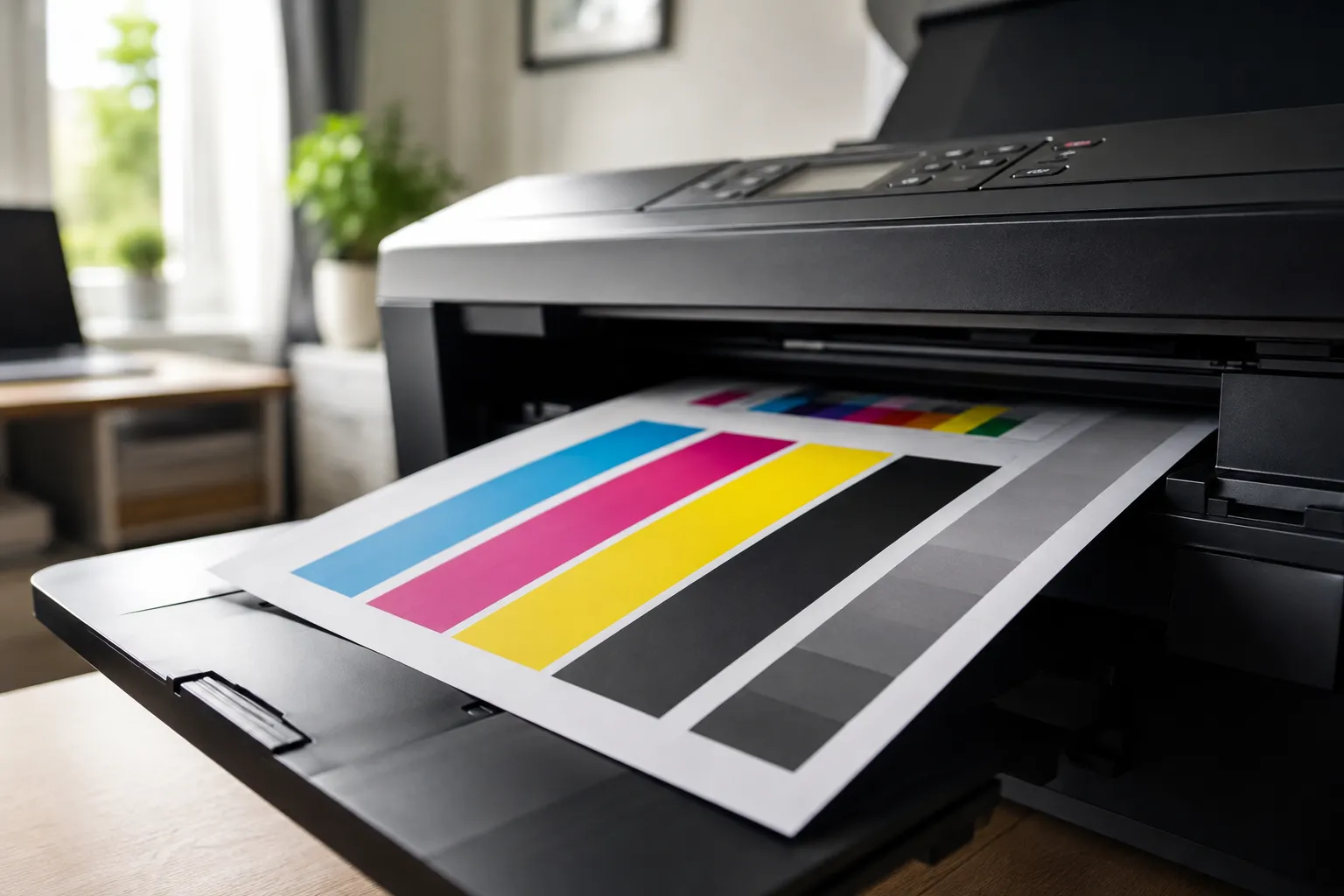
How to print a test page on Windows, Mac or straight from your printer, what the page shows you, and what to do if it won't print right.
Troubleshooting
Printer color calibration made simple: use a free test page to find why colors print wrong, fix printhead alignment and stop wasting ink on reprints.
No posts in this category yet.